Immersive Media at WET Design
As the former Director of Immersive Media at WET Design, my role included coding, animation and building mock-ups with electronics for over 60 projects over the course of 8 years. Below are a few that are not under an NDA.
Immersive Media at WET Design
As the former Director of Immersive Media at WET Design, my role included coding, animation and building mock-ups with electronics for over 60 projects over the course of 8 years. Below are a few that are not under an NDA.
Game of Thrones at the Bellagio
This project was at the Bellagio Fountains in Las Vegas, NV to announce the final season of Game of Thrones. Joel Bewley, Dan Walker and I built this show in a few weeks. My role was to create content alongside Joel and Dan, map the feature and assemble the final product.
The idea originated from Jim Doyle, who designed the projector assembly, handled the pyrotechnics and orchestrated the various teams that helped bring this project together.
This event was covered, live, by CNN, Fox, ABC, and other major news networks. It also appeared in Variety, Boing Boing and many other online publications.
Game of Thrones at the Bellagio
This project was at the Bellagio Fountains in Las Vegas, NV to announce the final season of Game of Thrones. Joel Bewley, Dan Walker and I built this show in a few weeks. My role was to create content alongside Joel and Dan, map the feature and assemble the final product.
The idea originated from Jim Doyle, who designed the projector assembly, handled the pyrotechnics and orchestrated the various teams that helped bring this project together.
This event was covered, live, by CNN, Fox, ABC, and other major news networks. It also appeared in Variety, Boing Boing and many other online publications.


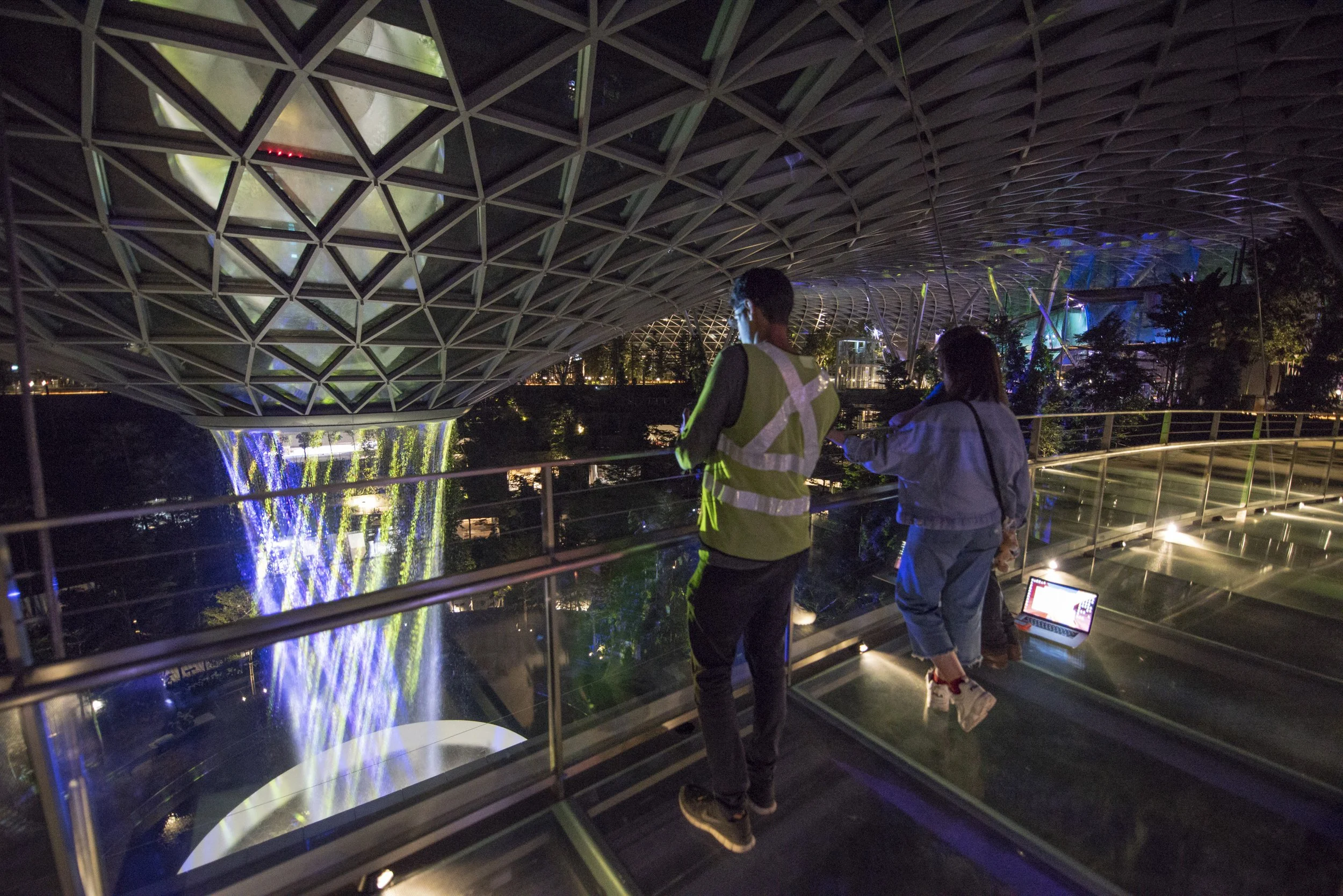
The revolutionary Surreal water feature opened in October 2021 for the World Expo in Dubai. I was instrumental in the creation of the technology and projection system that activates at night. My main contribution was the development of the infrared camera, projection, and water-tracking system alongside Isaiah Gernhardt, Scott Winslow, Jim Doyle, and Lachlan Turczan. I hold a patent with several others at WET for this system. Below you can see some early tests from a mockup in Los Angeles.
Surreal at Dubai Expo
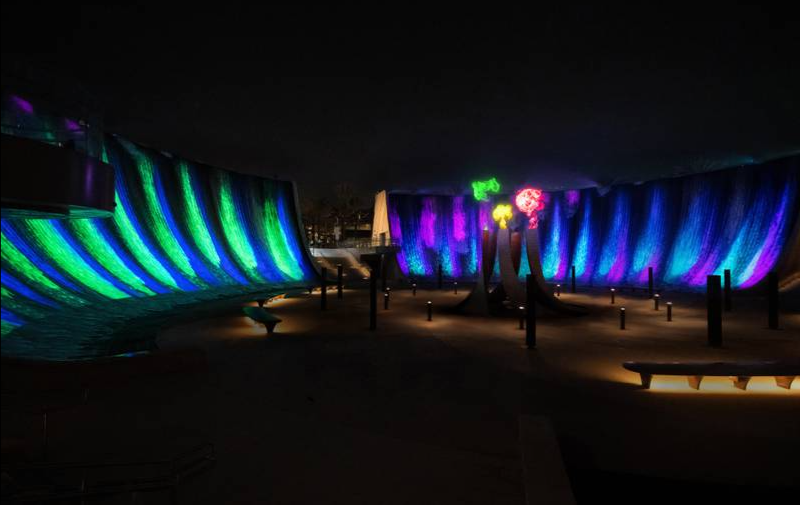
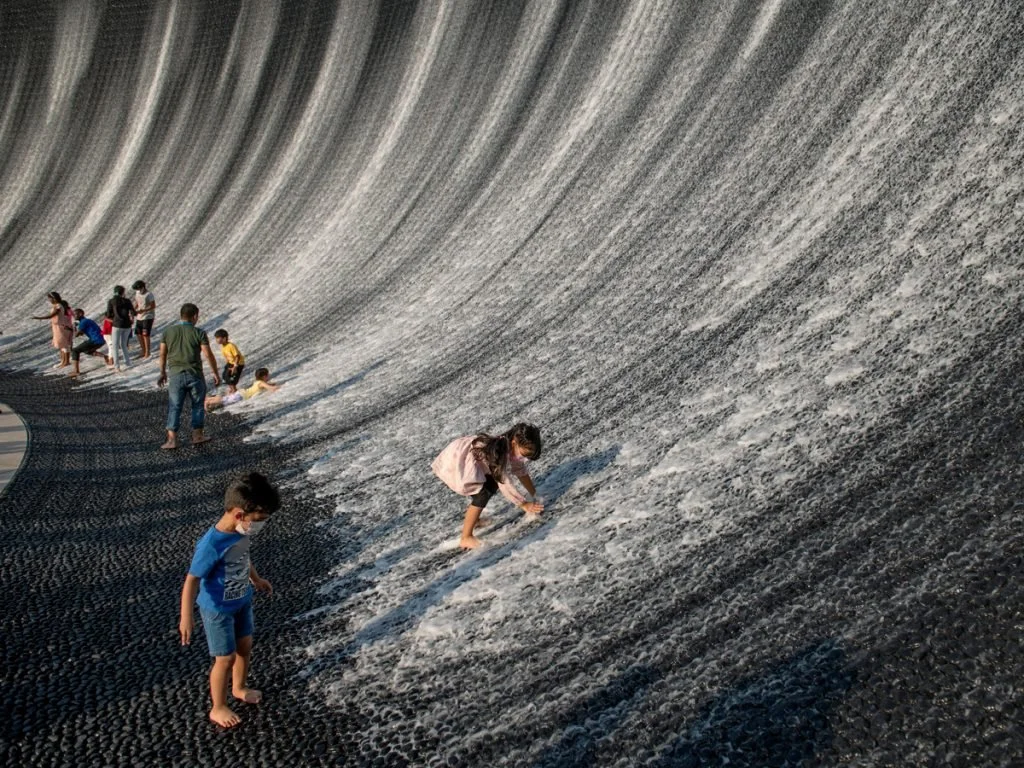

Surreal at Dubai Expo
The revolutionary Surreal water feature opened in October 2021 for the World Expo in Dubai. I was instrumental in the creation of the technology and projection system that activates at night. My main contribution was the development of the infrared camera, projection, and water-tracking system alongside Isaiah Gernhardt, Scott Winslow, Jim Doyle, and Lachlan Turczan. I hold a patent with several others at WET for this system. Below you can see some early tests from a mockup in Los Angeles.
AR Presentation Tool App
I designed and wrote this app in C# for iOS to help clients better understand the scale and behavior of water features as dynamic and animated sculptures. This video shows three different concepts illustrated by 2 different applications. The first concept is the use of an iPad as a “magic window” to activate a static physical paper model. The window reveals an animated water feature rendered virtually that tracks the physical object like a hologram. The second concept is the use of this tablet/iPad as a dynamic interface to explore water choreography. You can use gestures to create choreography. The final concept is to use a mobile device screen on site to actually trigger changes in the physical fountain in real-time like a remote control. This final concept is possible but poses interesting questions about the kinds of experiences that are really successful.
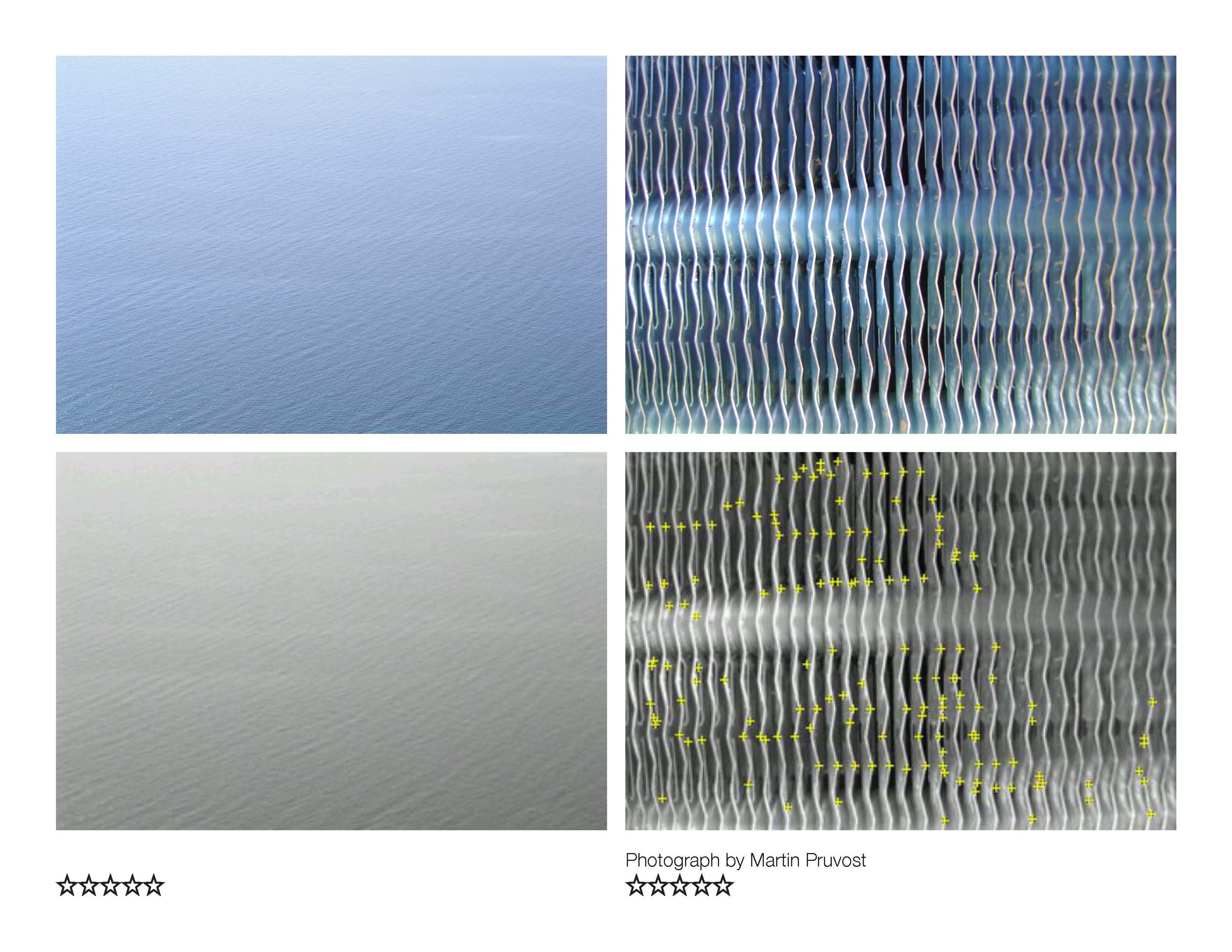
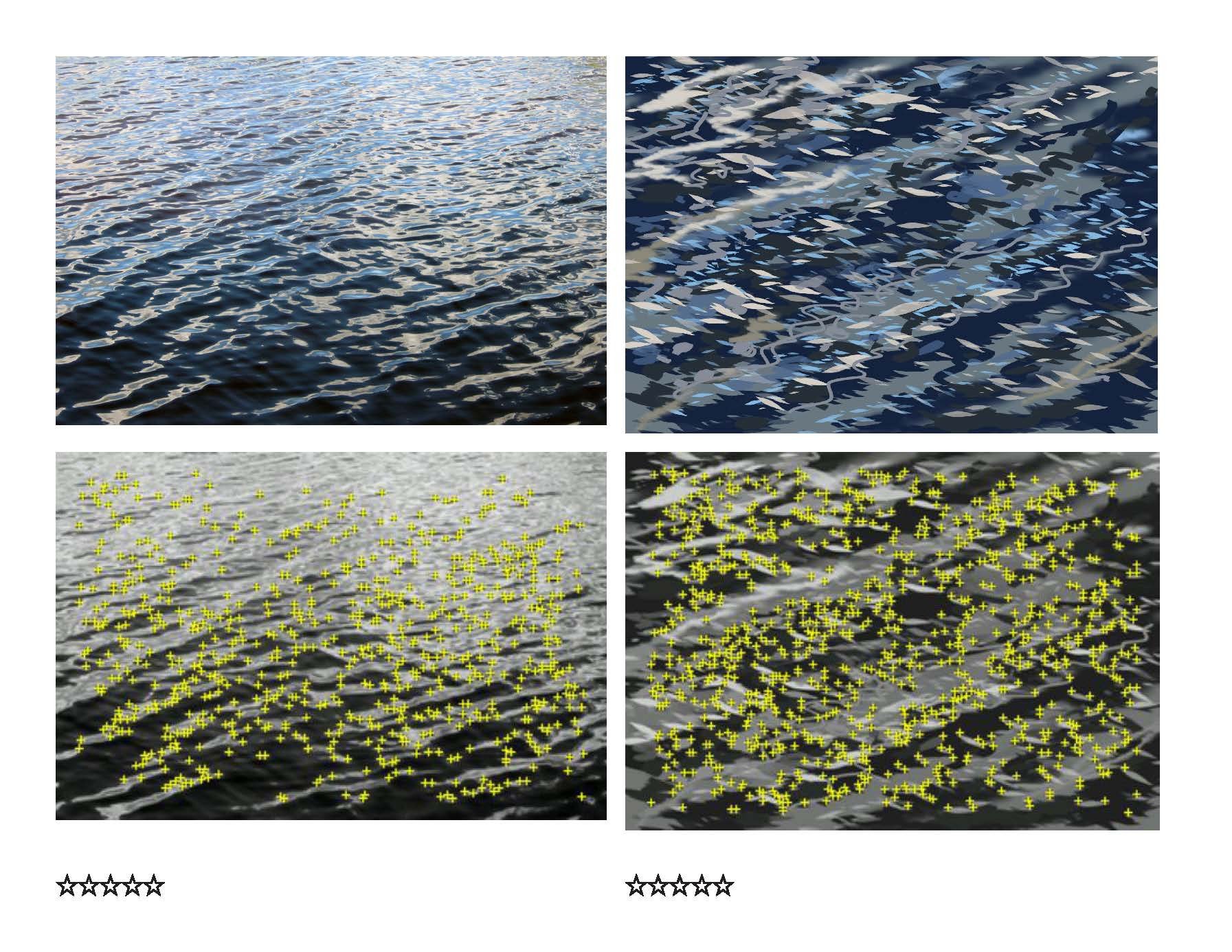
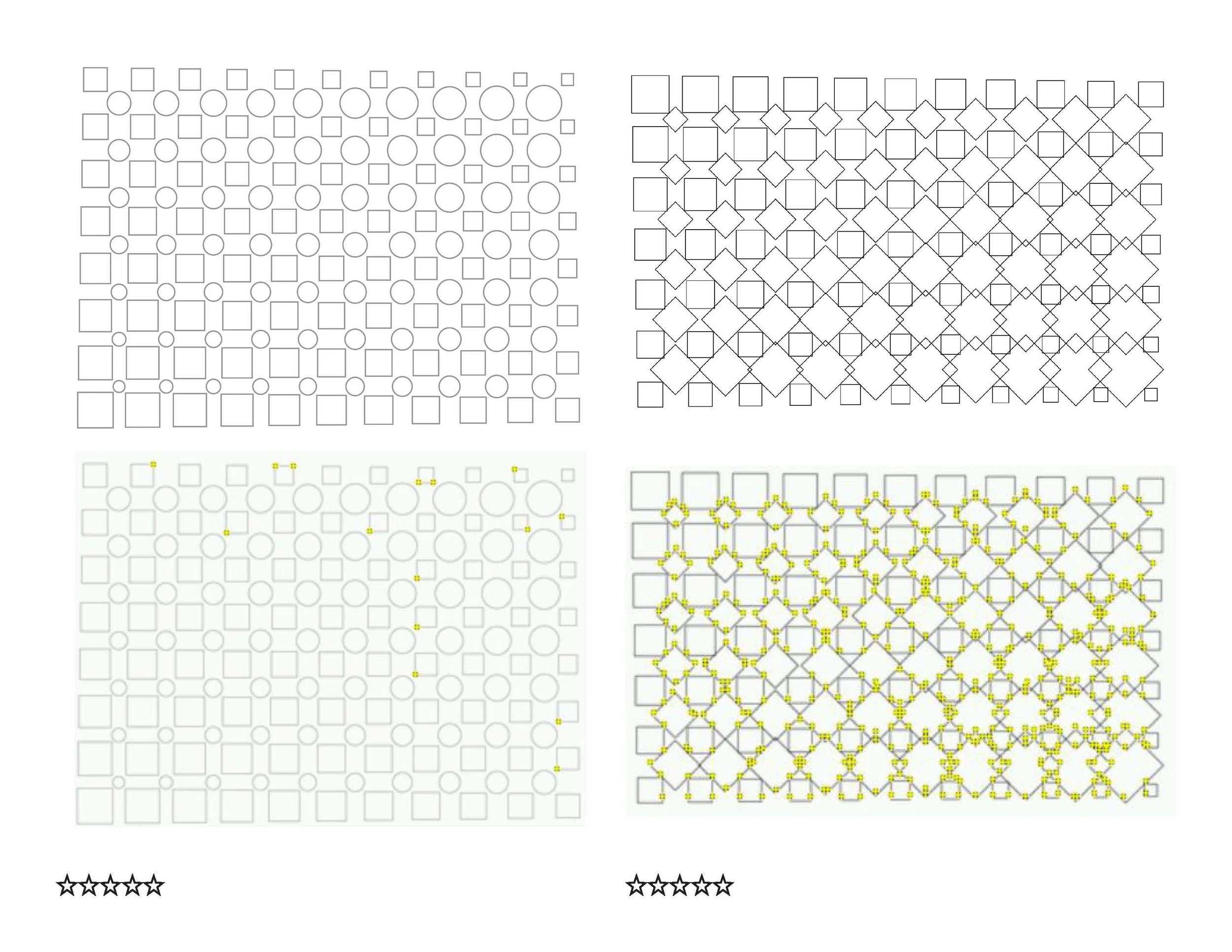
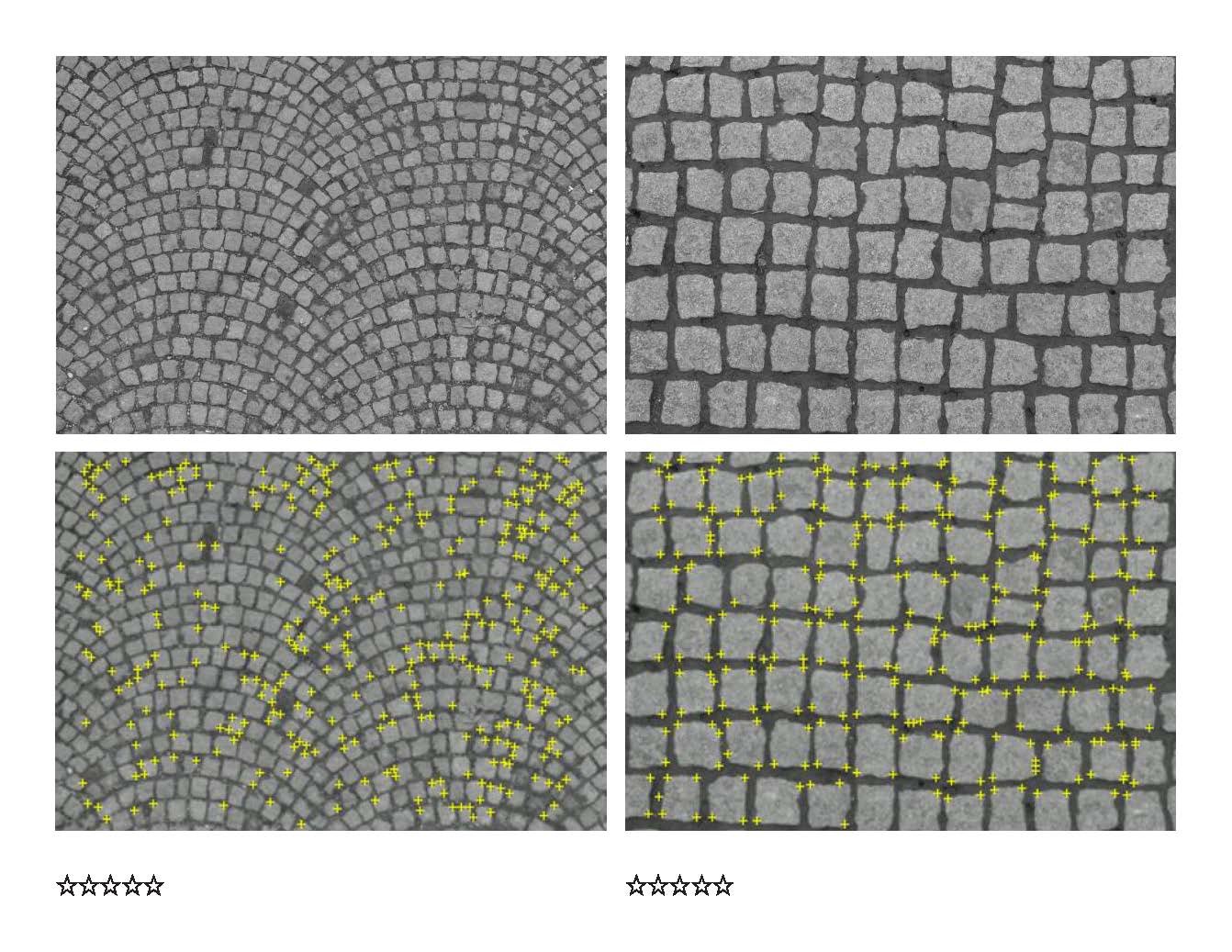
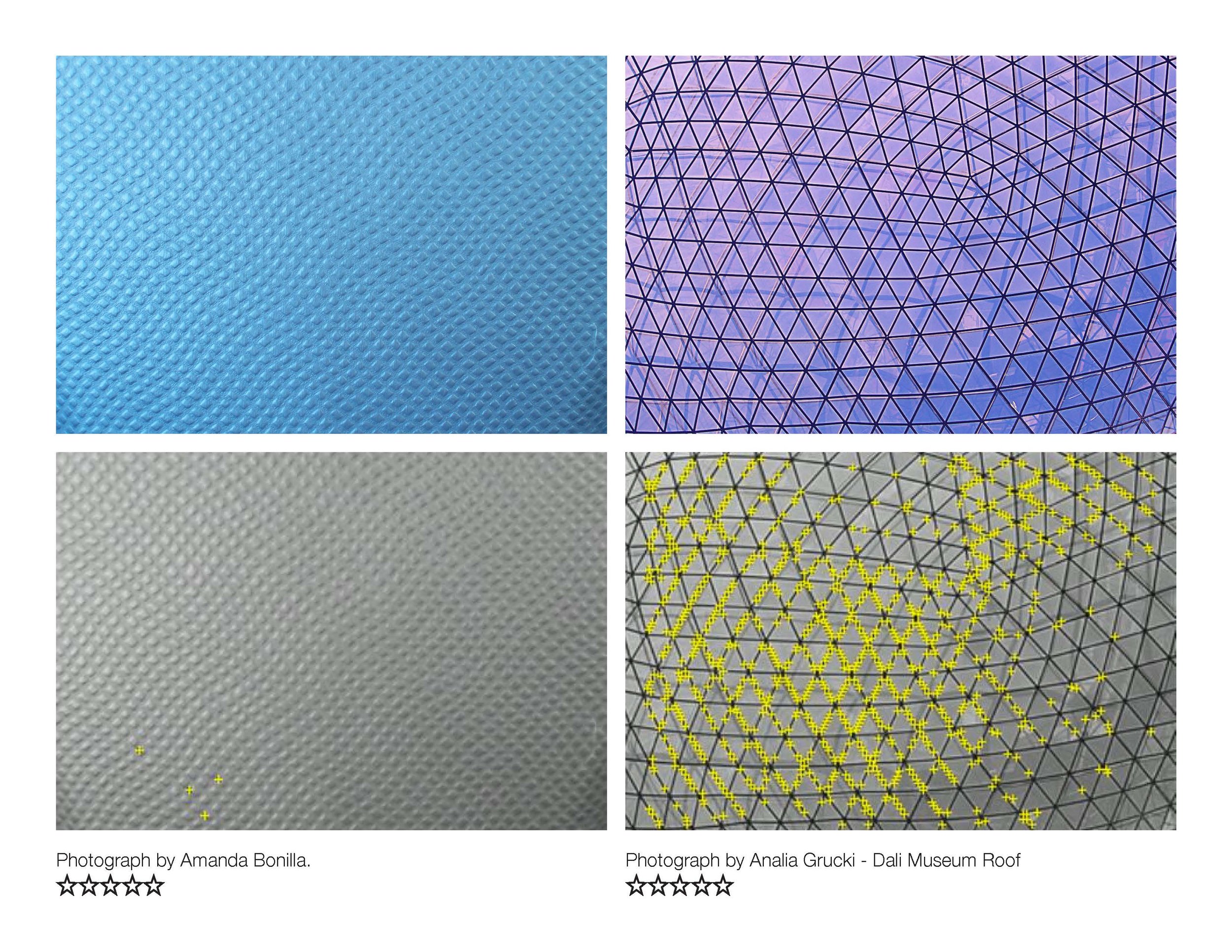
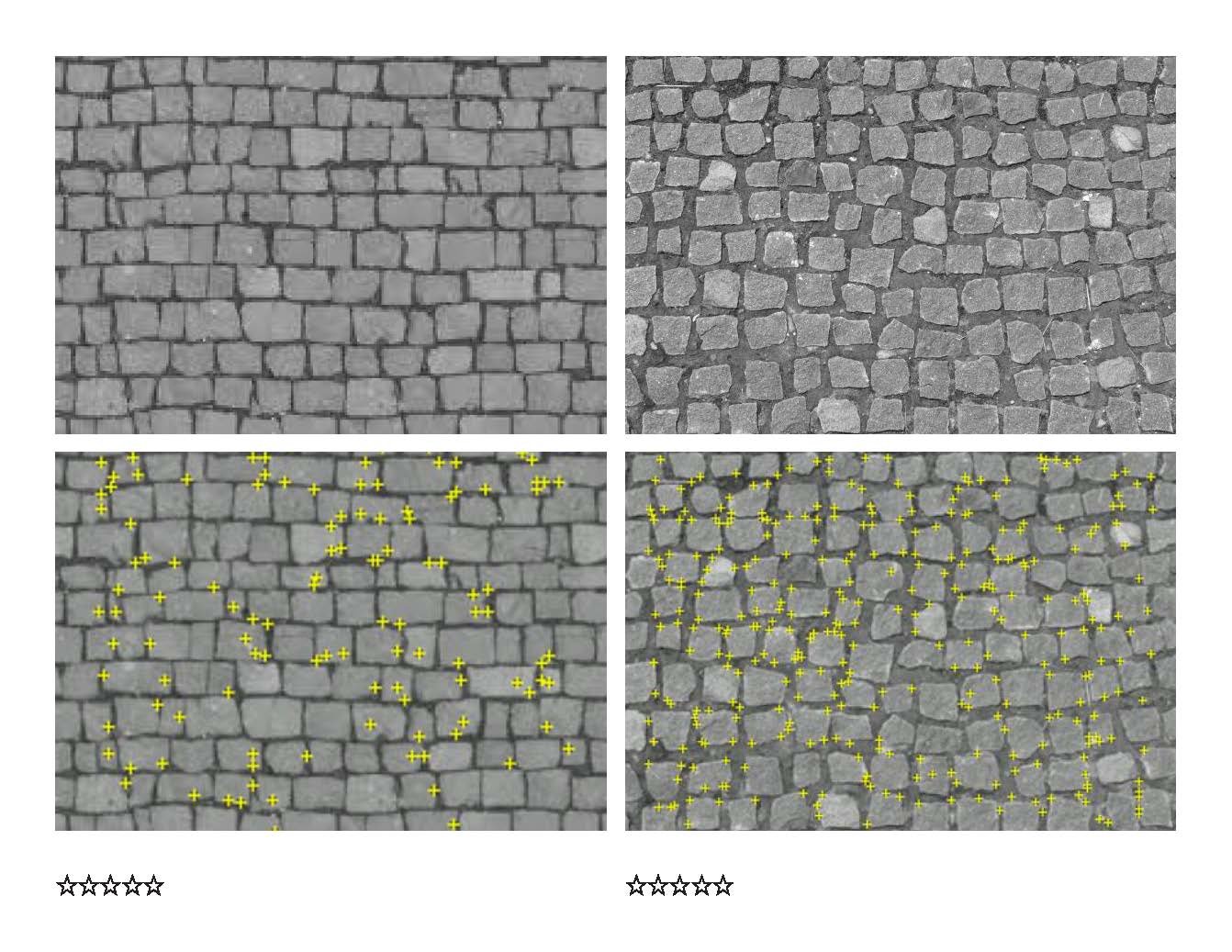
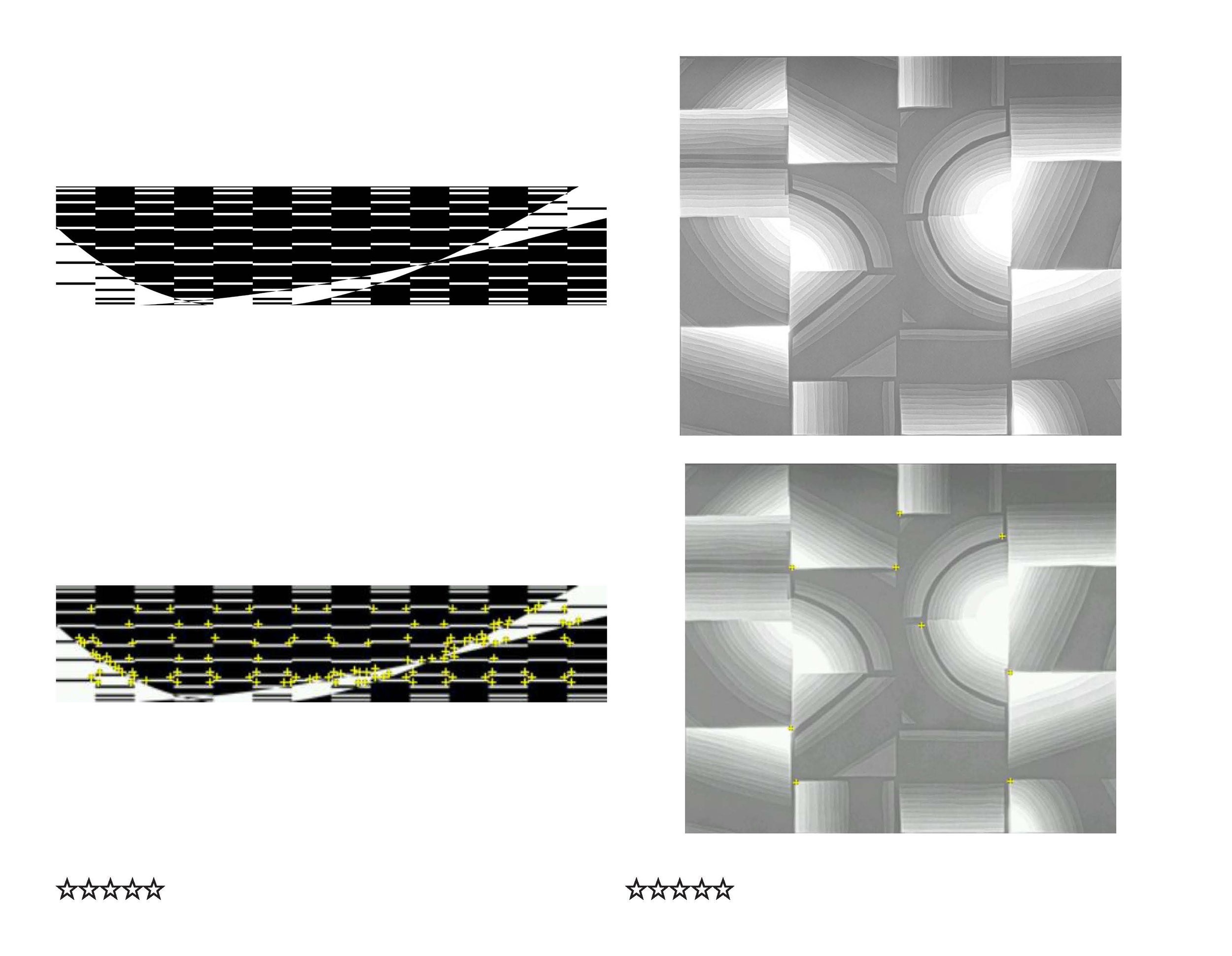
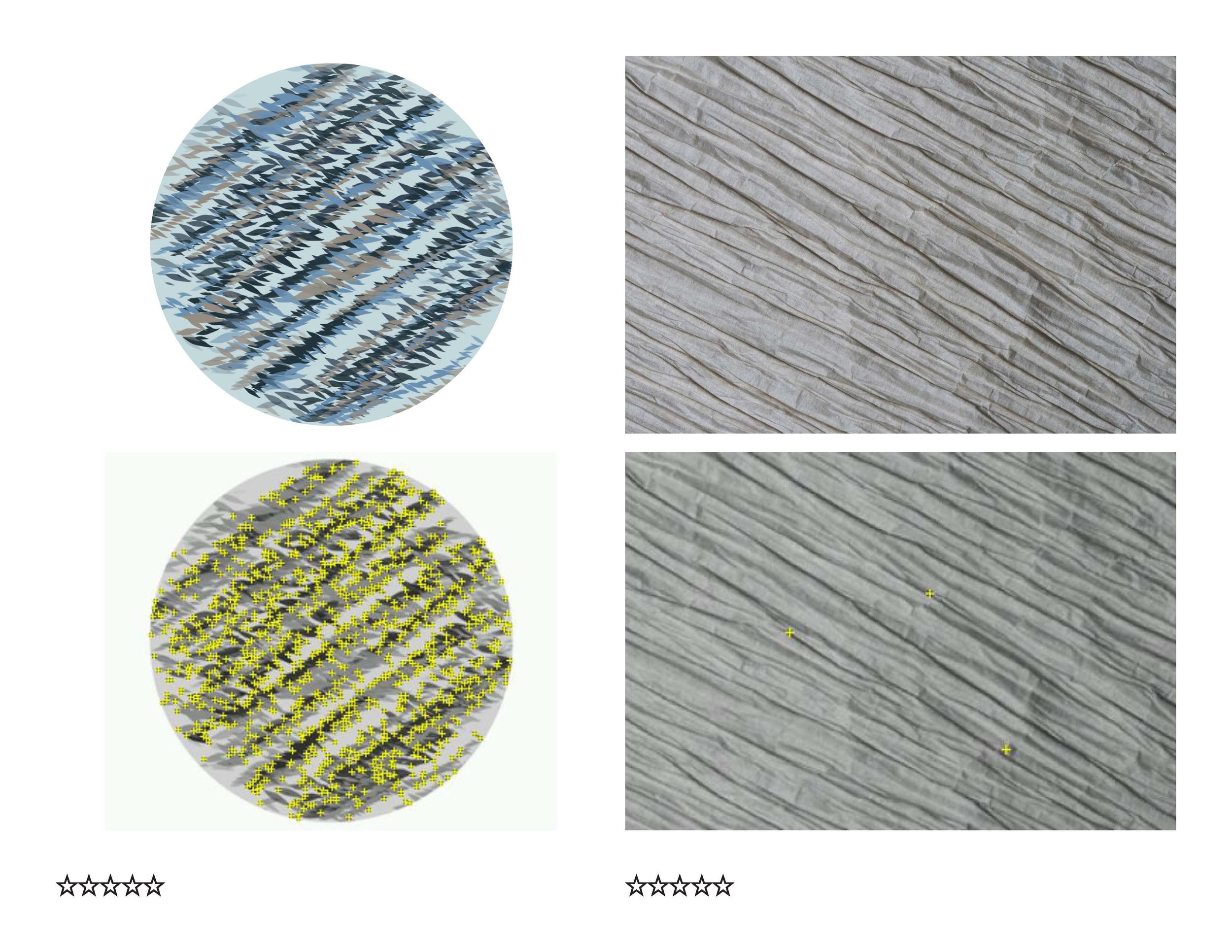
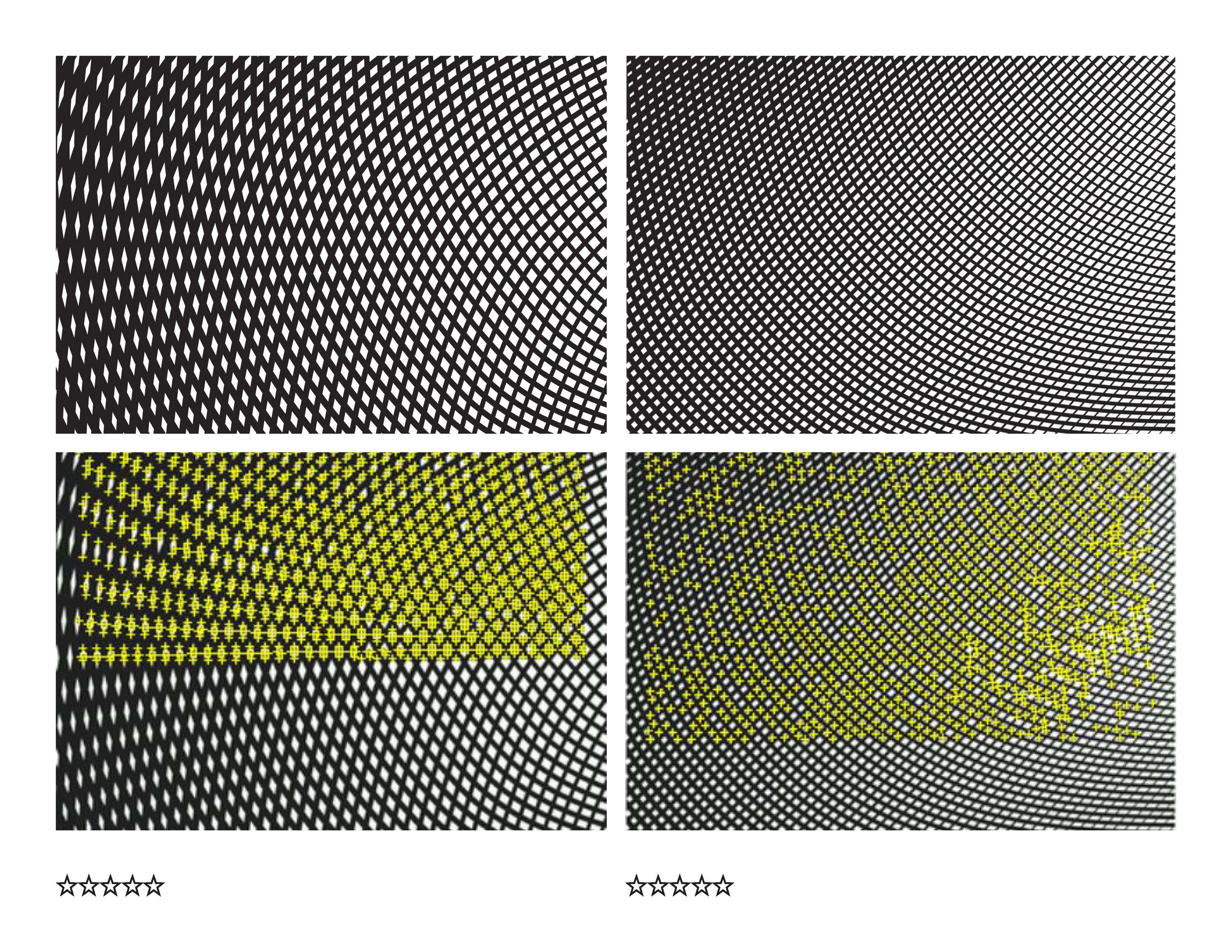
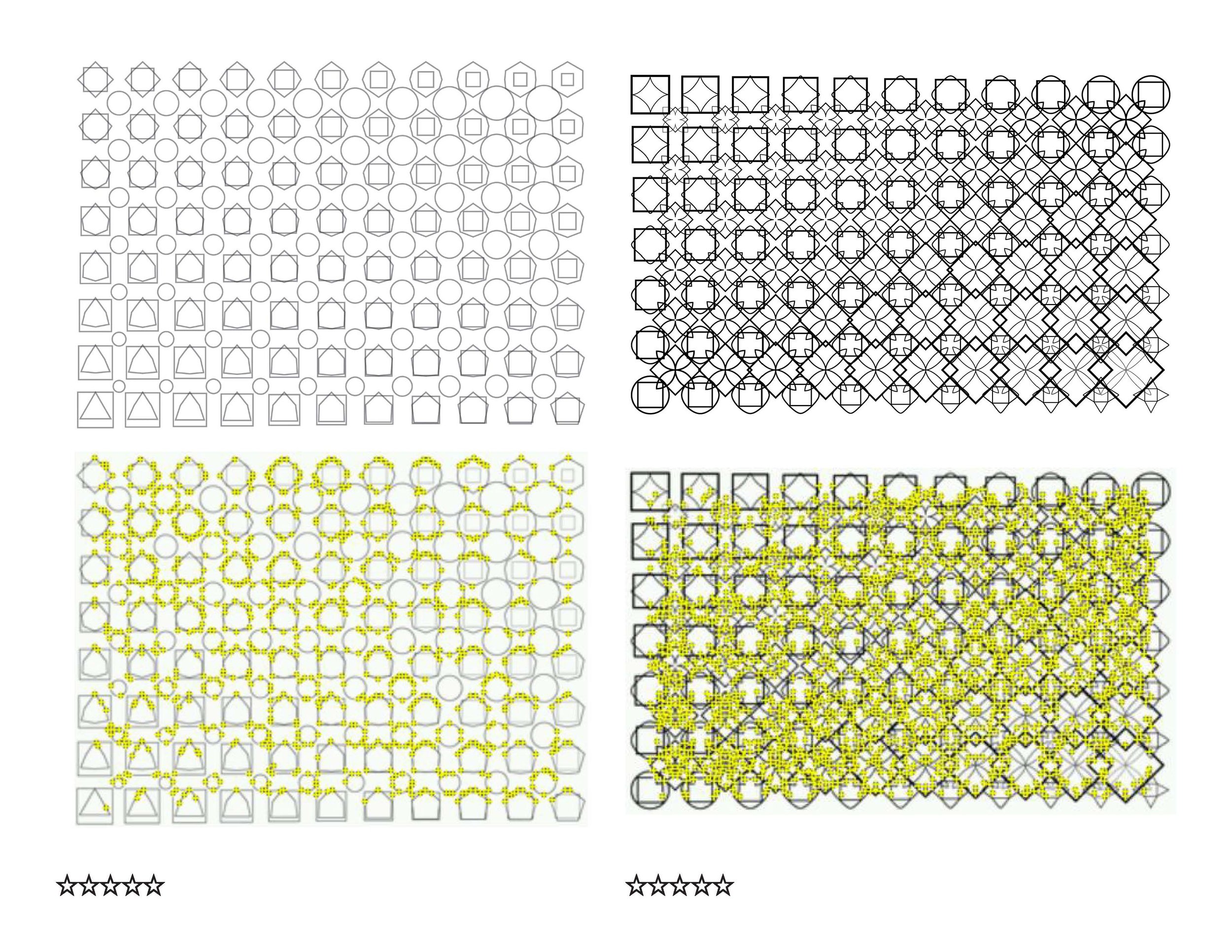
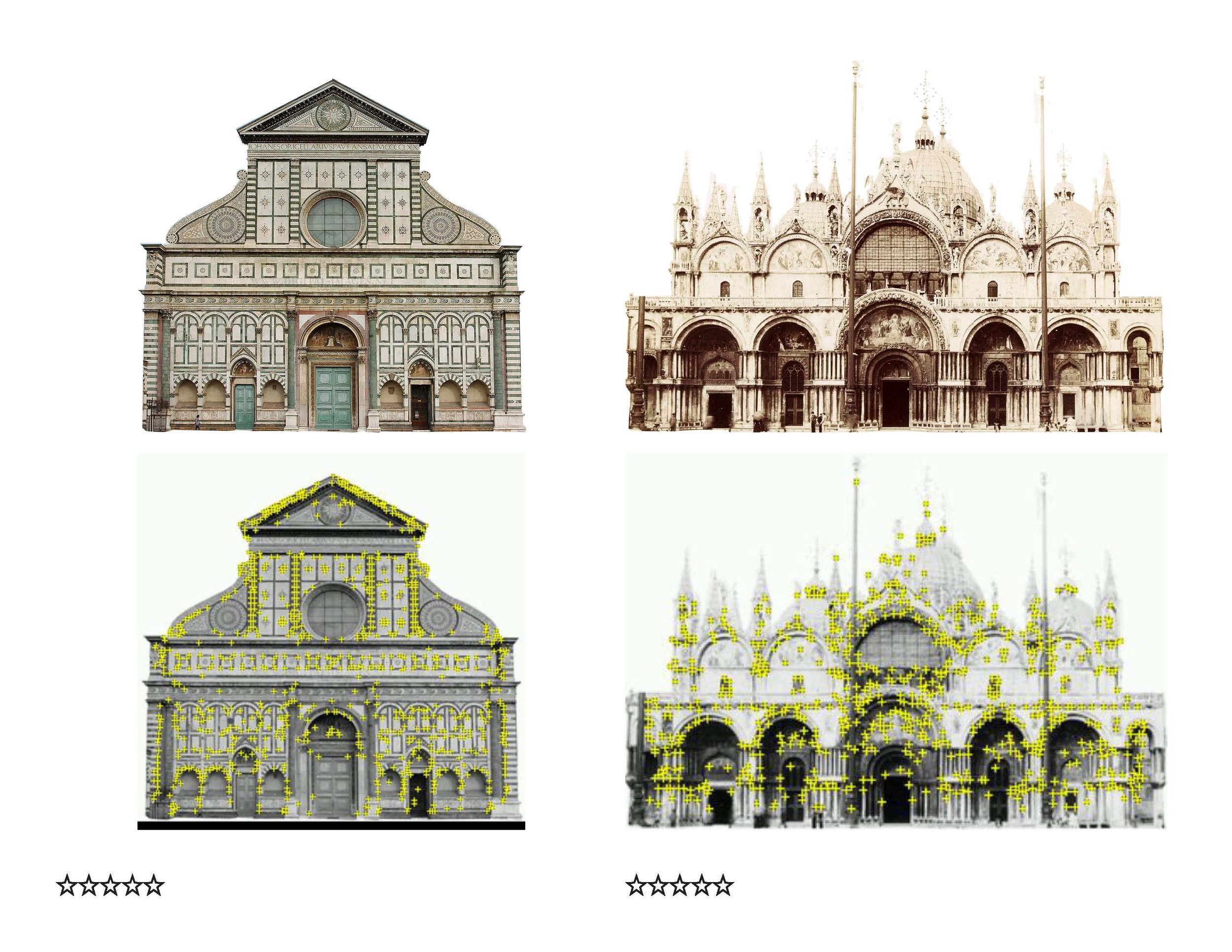
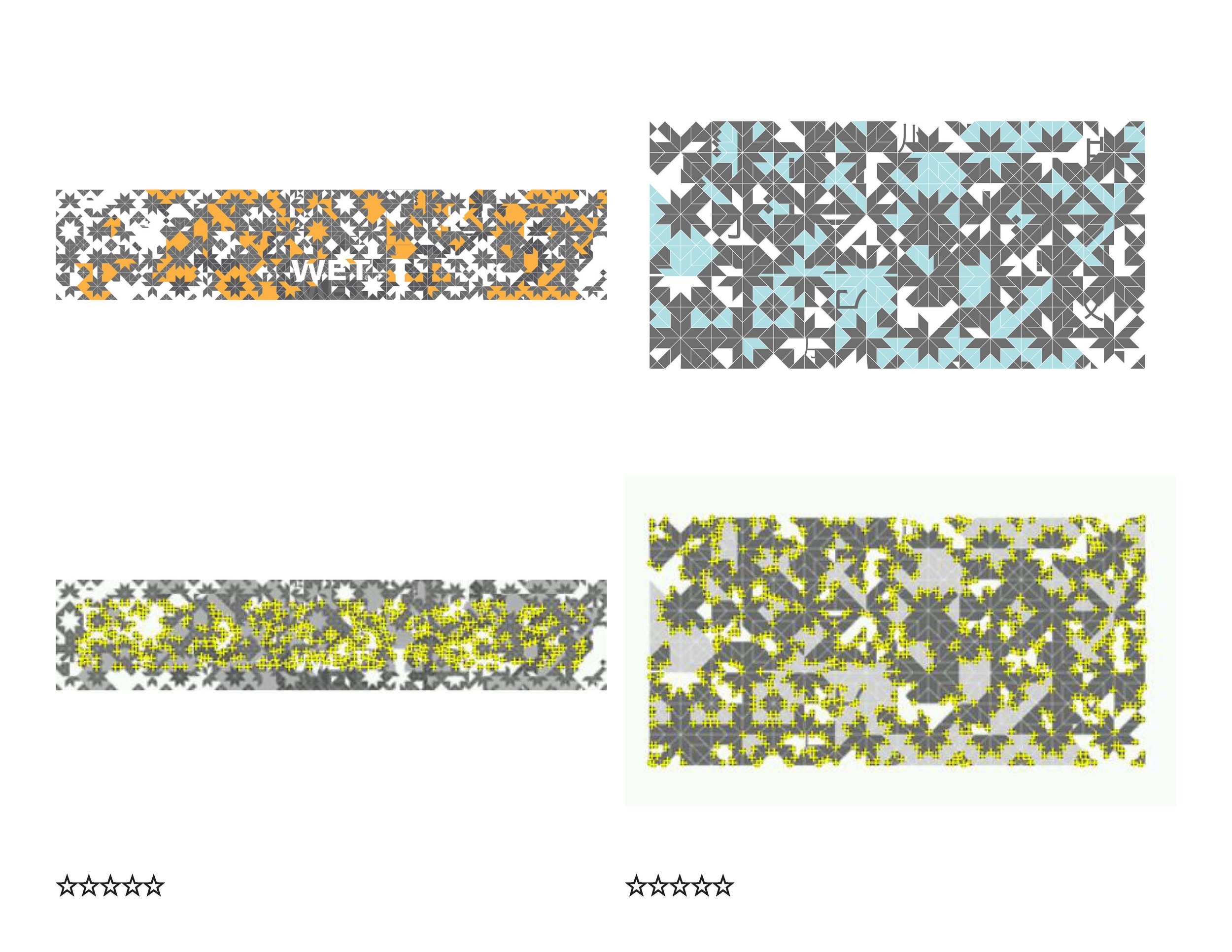
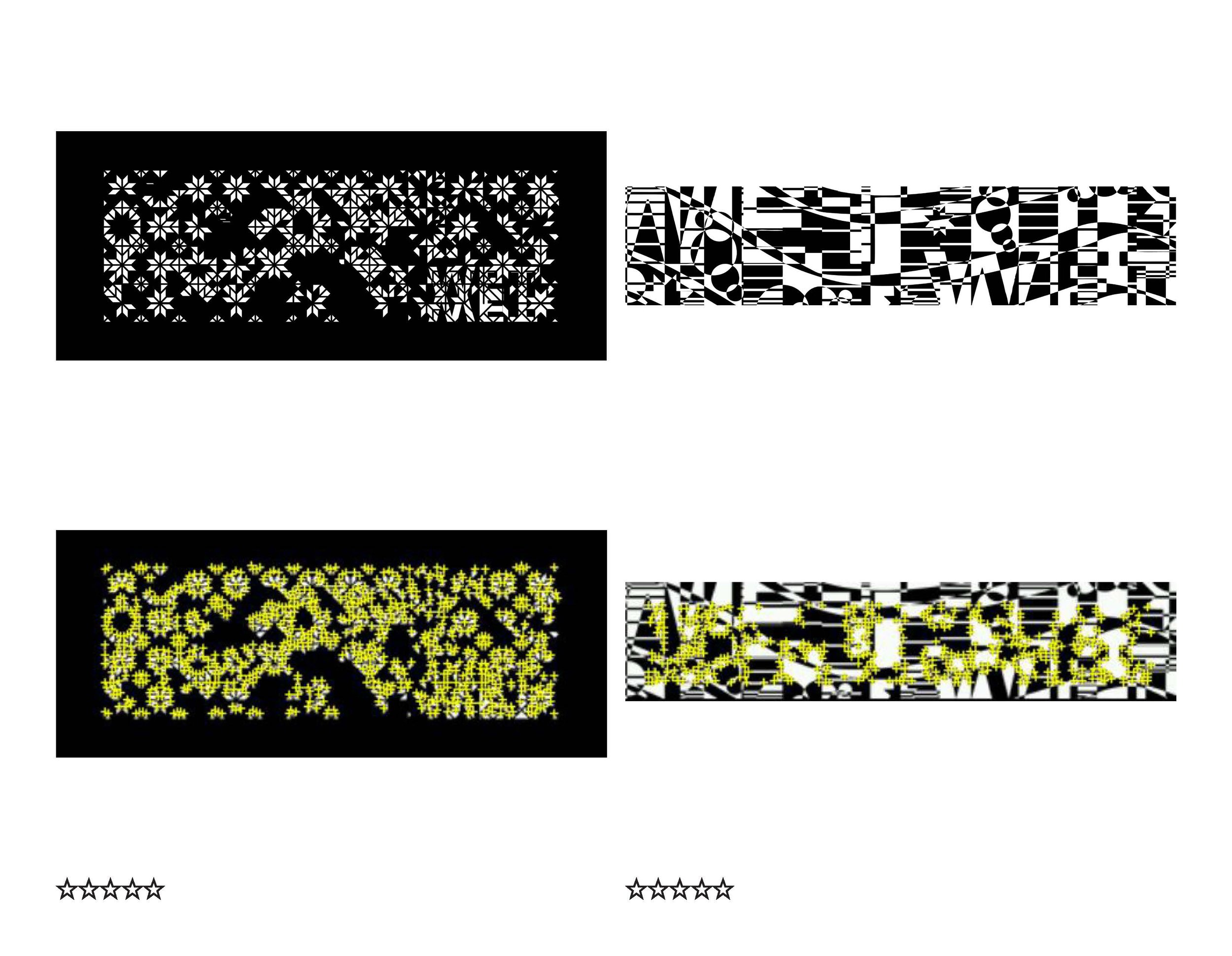
Below you can see some tracking texture studies I made to help the iPad camera track the models - this is only a small fraction of the textures I generated and tested for tracking. It's really challenging to make something that's high-contrast, non-repetitive (every patch is unique), and aesthetically pleasing.
AR Presentation Tool App
I designed and wrote this app in C# for iOS to help clients better understand the scale and behavior of water features as dynamic and animated sculptures. This video shows three different concepts illustrated by 2 different applications. The first concept is the use of an iPad as a “magic window” to activate a static physical paper model. The window reveals an animated water feature rendered virtually that tracks the physical object like a hologram. The second concept is the use of this tablet/iPad as a dynamic interface to explore water choreography. You can use gestures to create choreography. The final concept is to use a mobile device screen on site to actually trigger changes in the physical fountain in real-time like a remote control. This final concept is possible but poses interesting questions about the kinds of experiences that are really successful.
Below you can see some tracking texture studies I made to help the iPad camera track the models - this is only a small fraction of the textures I generated and tested for tracking. It's really challenging to make something that's high-contrast, non-repetitive (every patch is unique), and aesthetically pleasing.
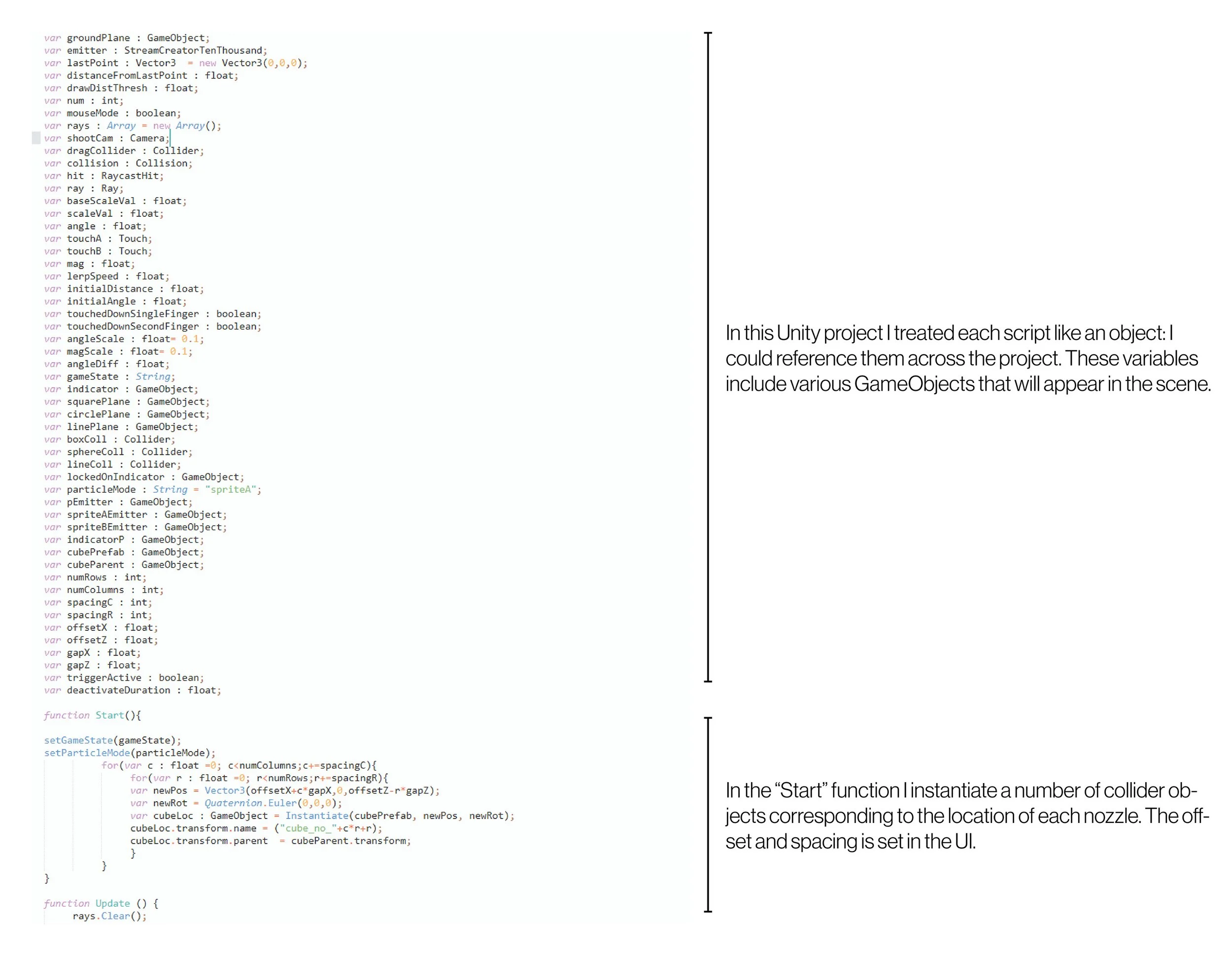
The following script is one of many JavaScript files that compose the Unity Project. I used the Vuforia library by Qualcomm for in-camera texture tracking. I treated each script like an object.

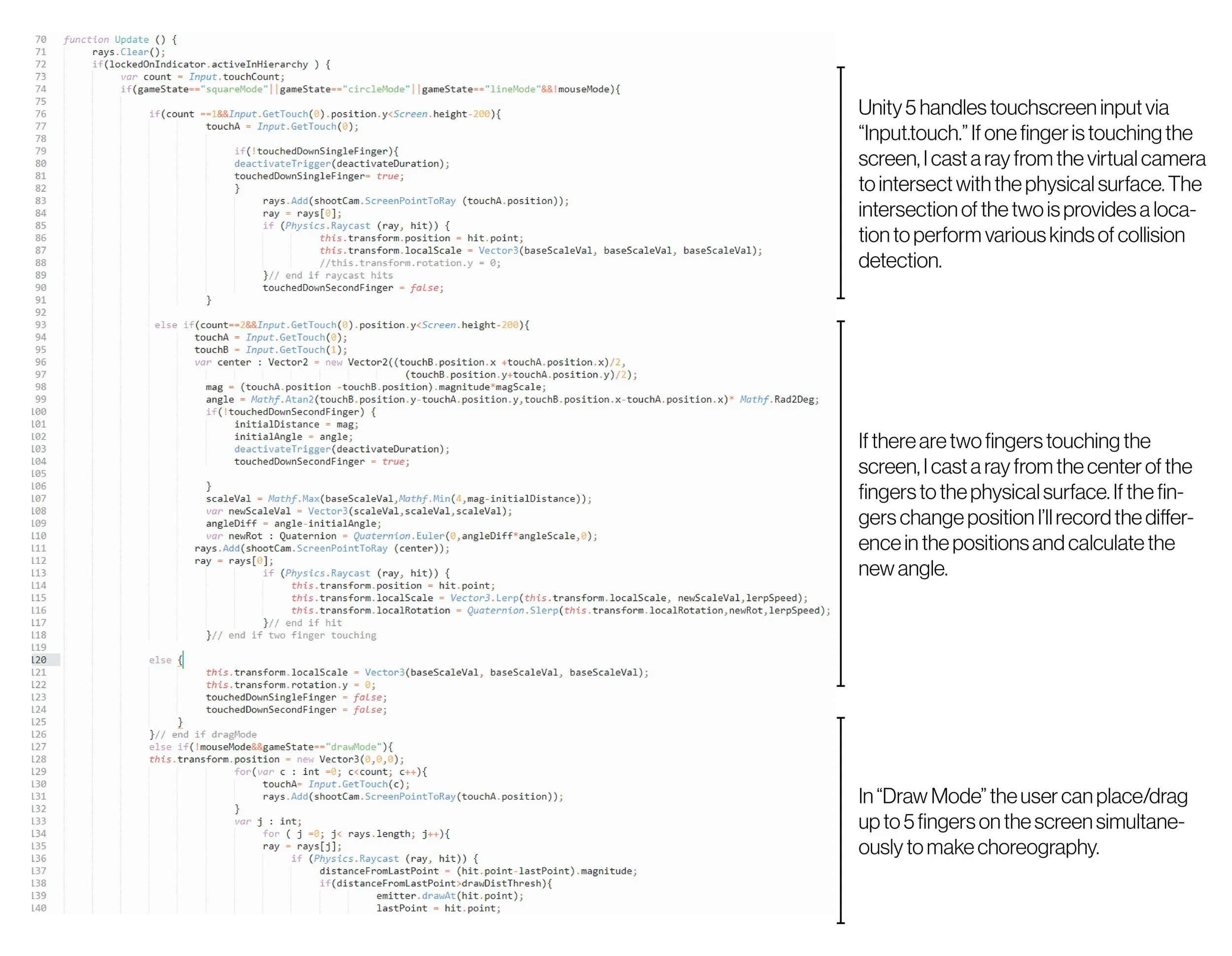
The following section manages touchscreen input. I would cast a ray from the virtual camera at the location of the touch to find the intersection with the surface.
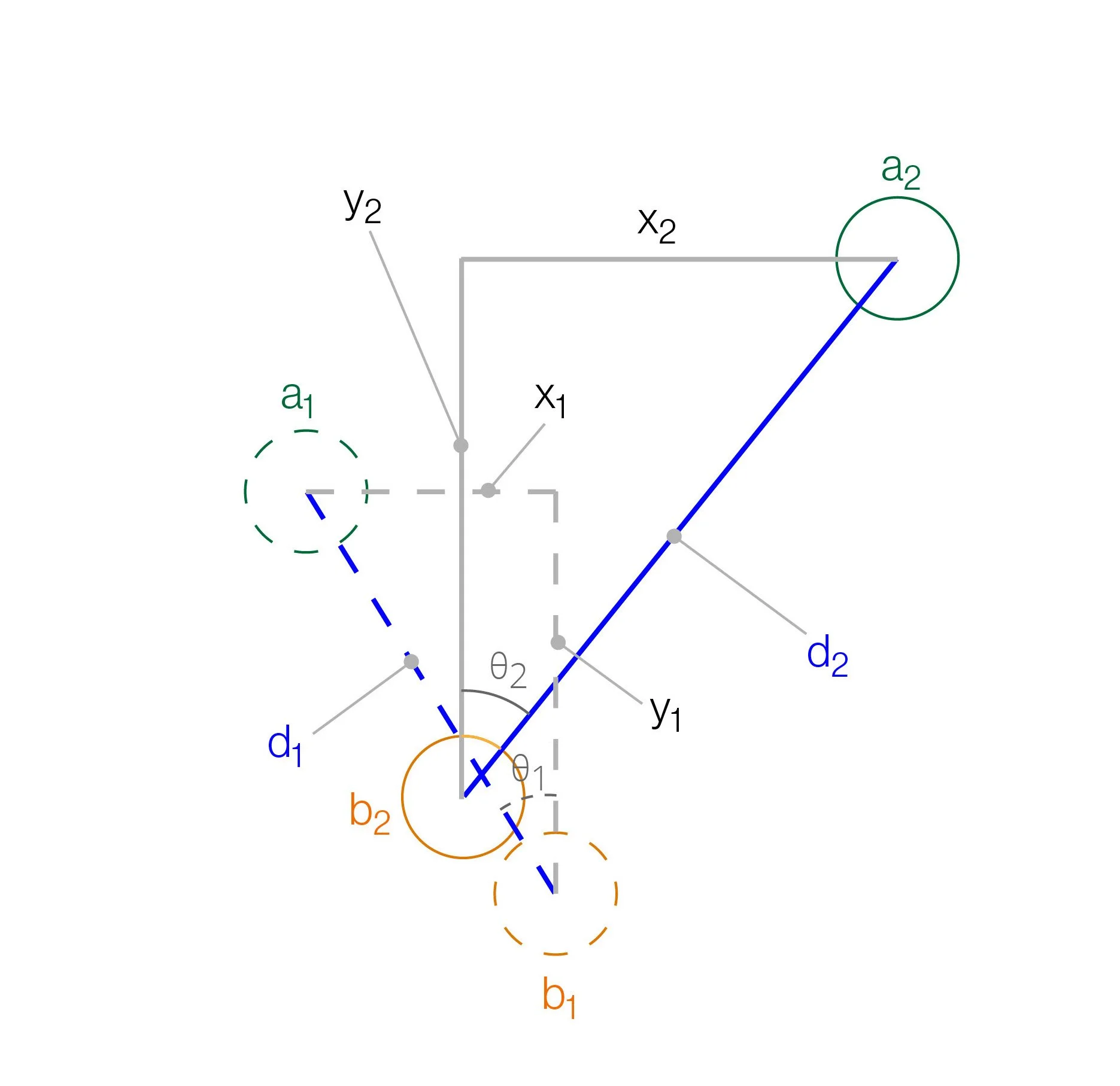
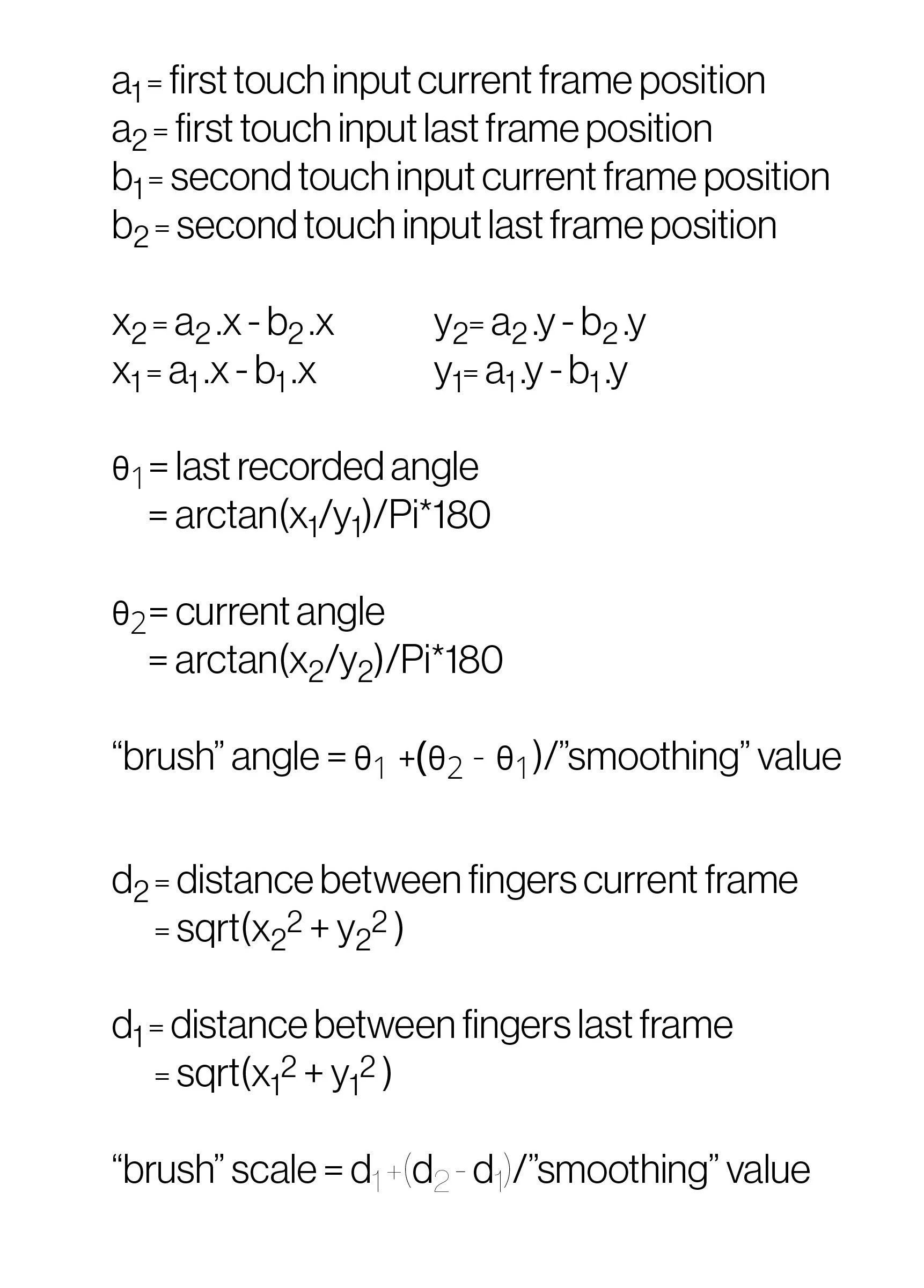
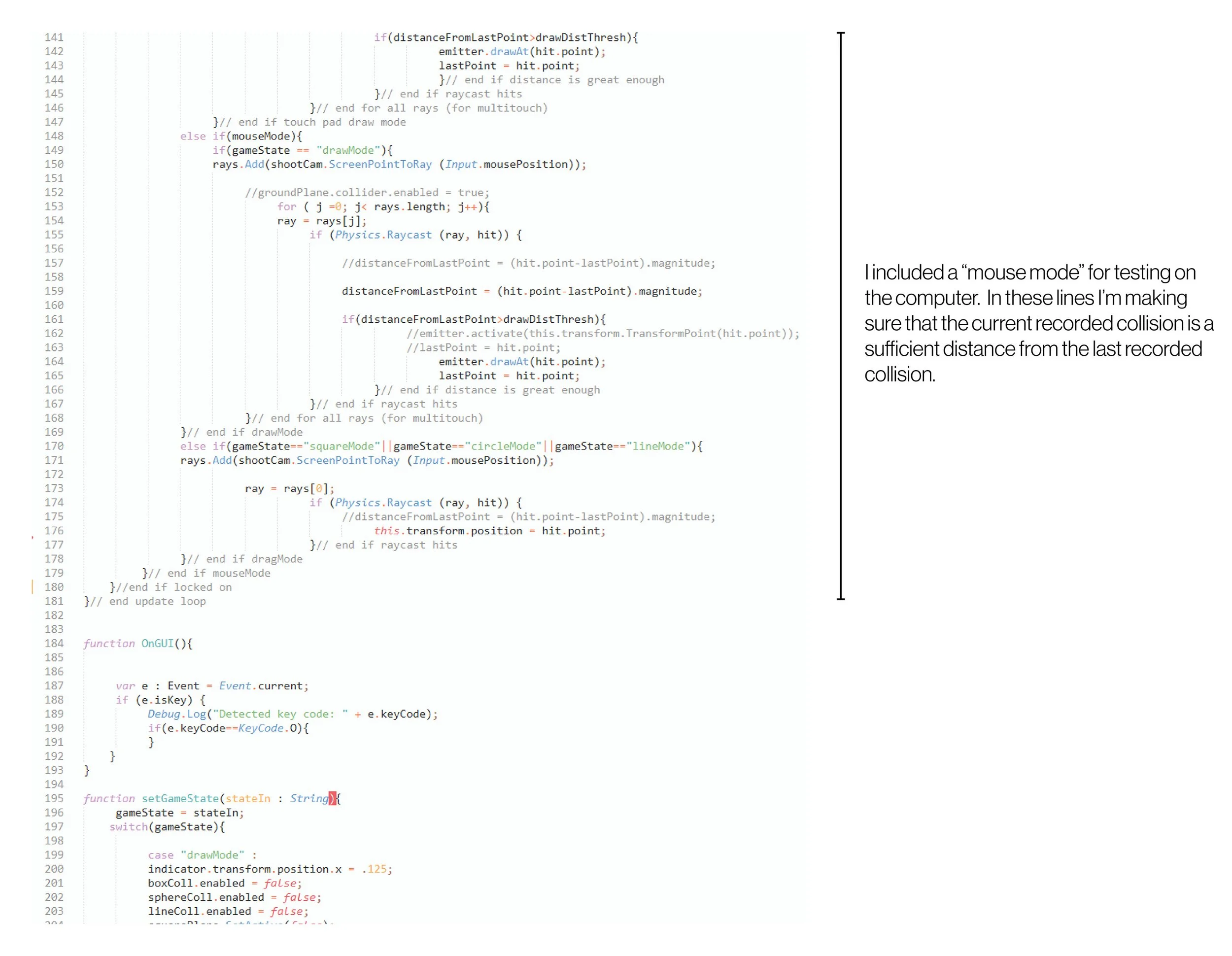
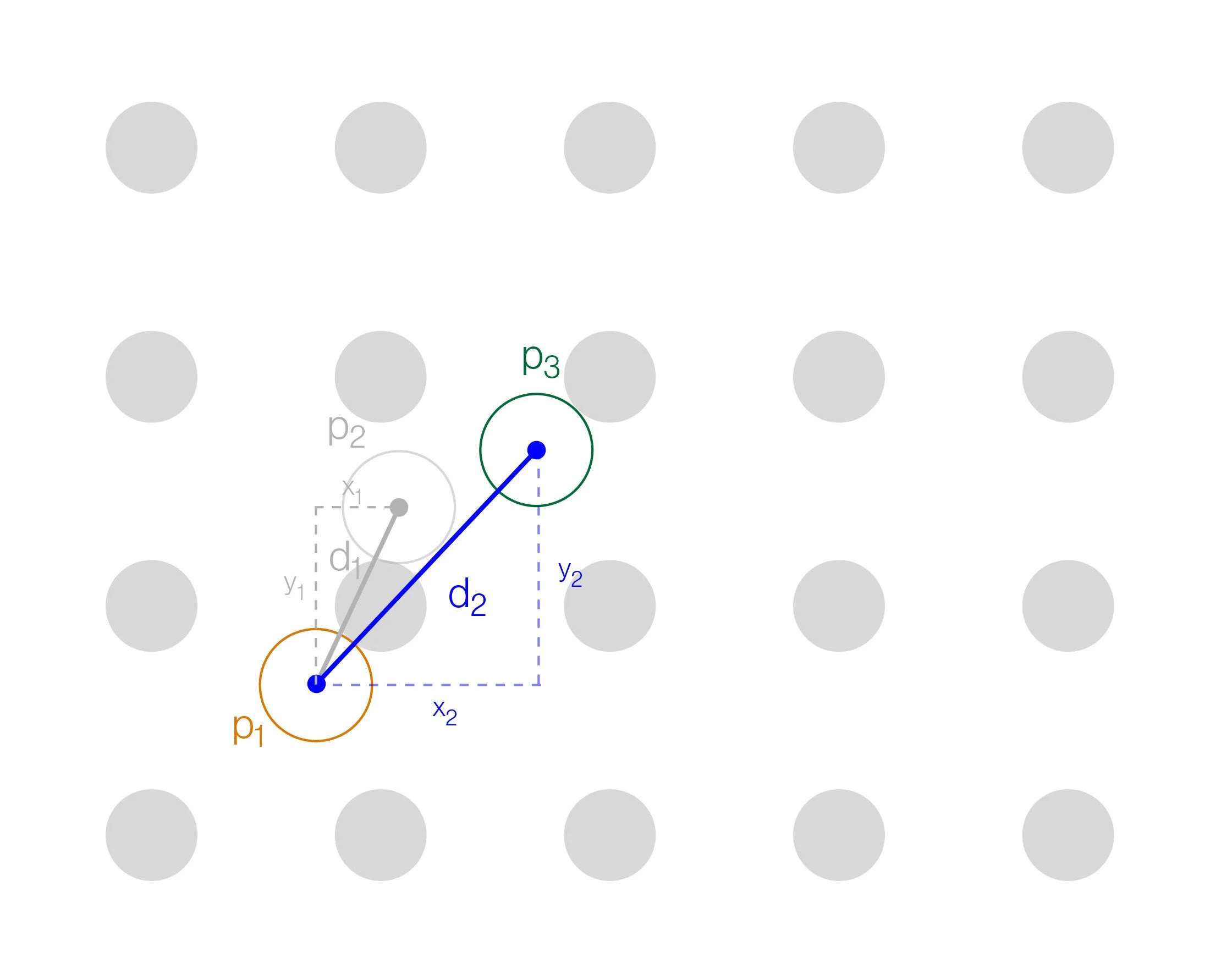
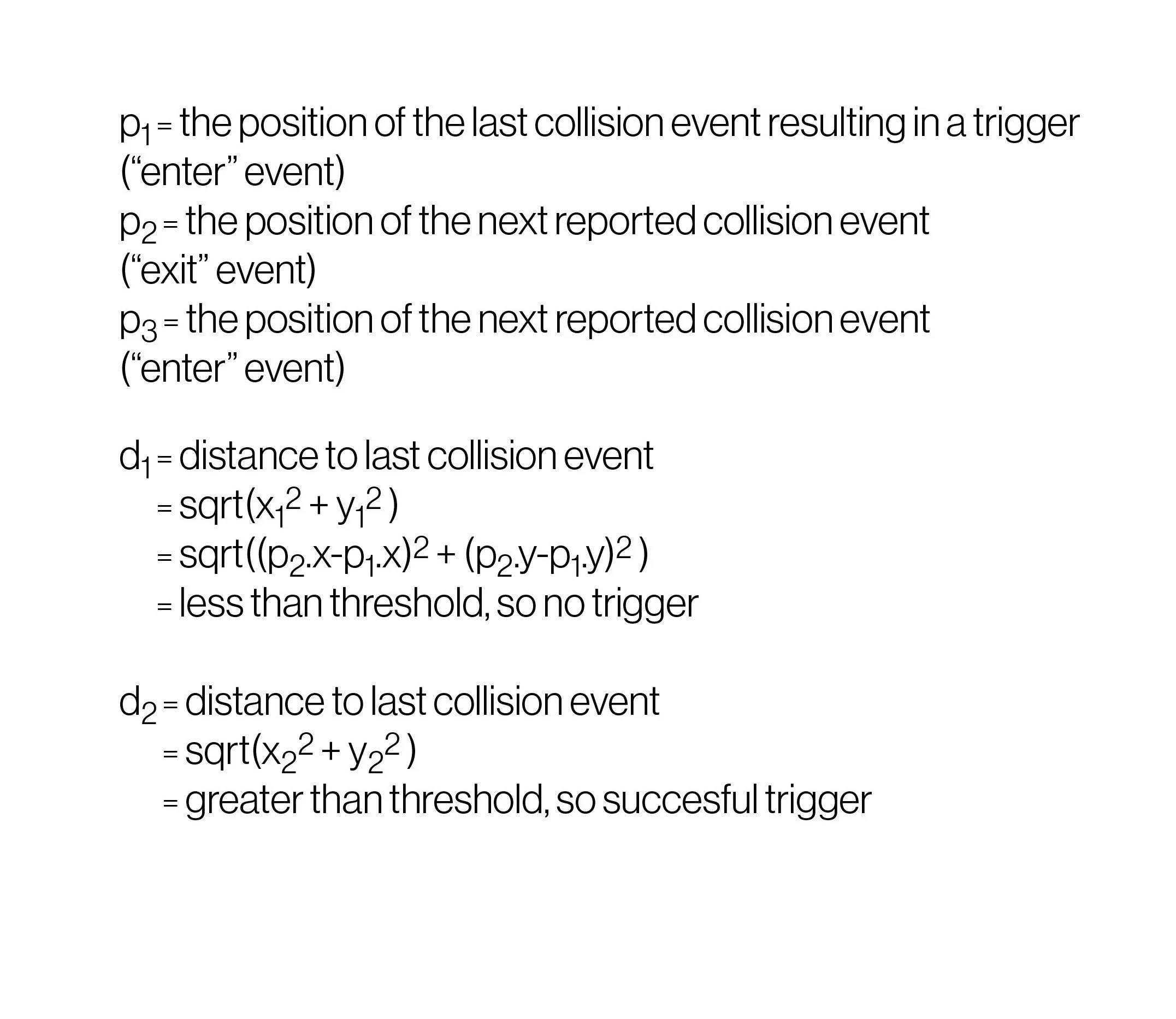
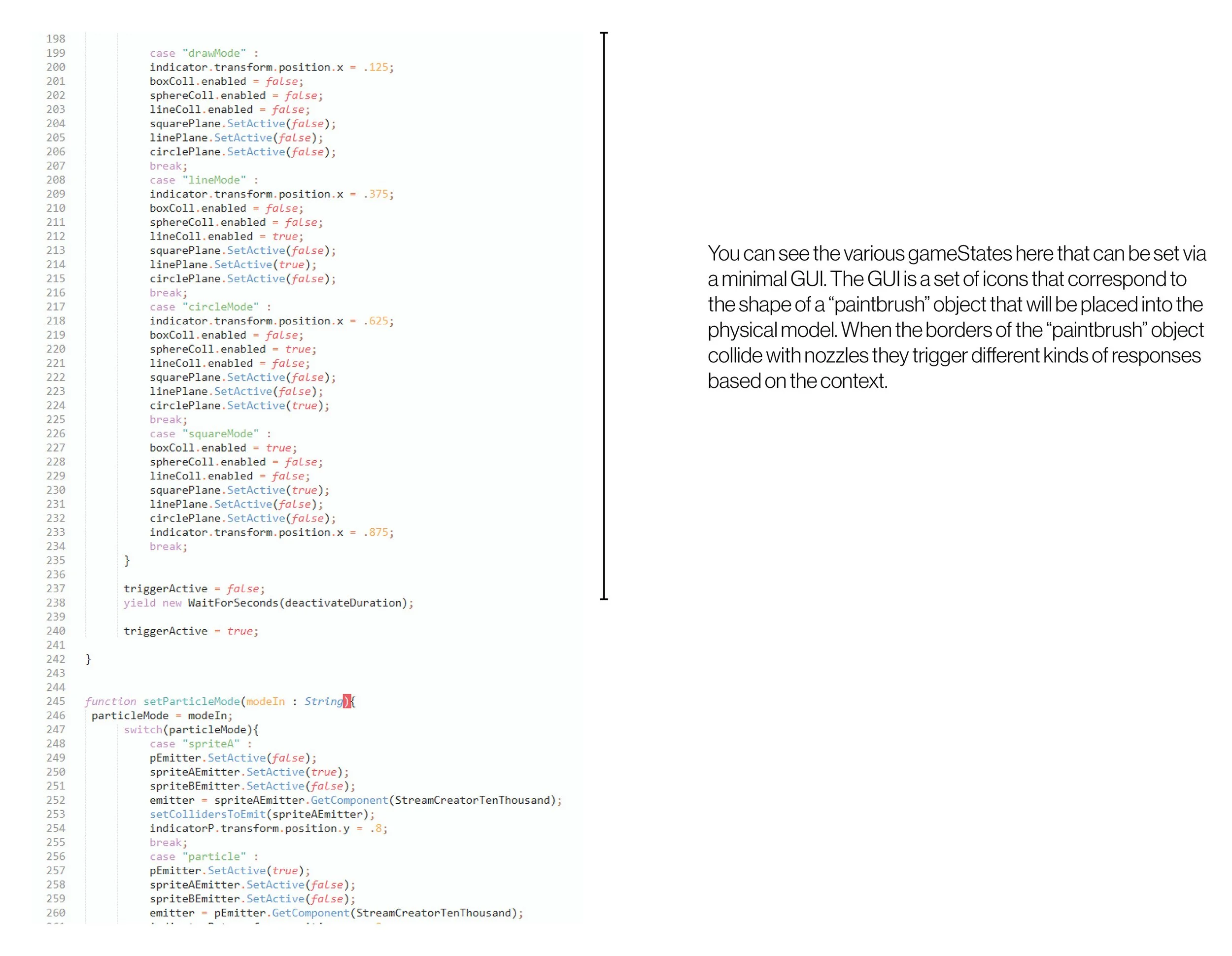
I made a very simple interface with several “brushes” to give the user (in this case a client) a sense of the thinking behind the choreography.
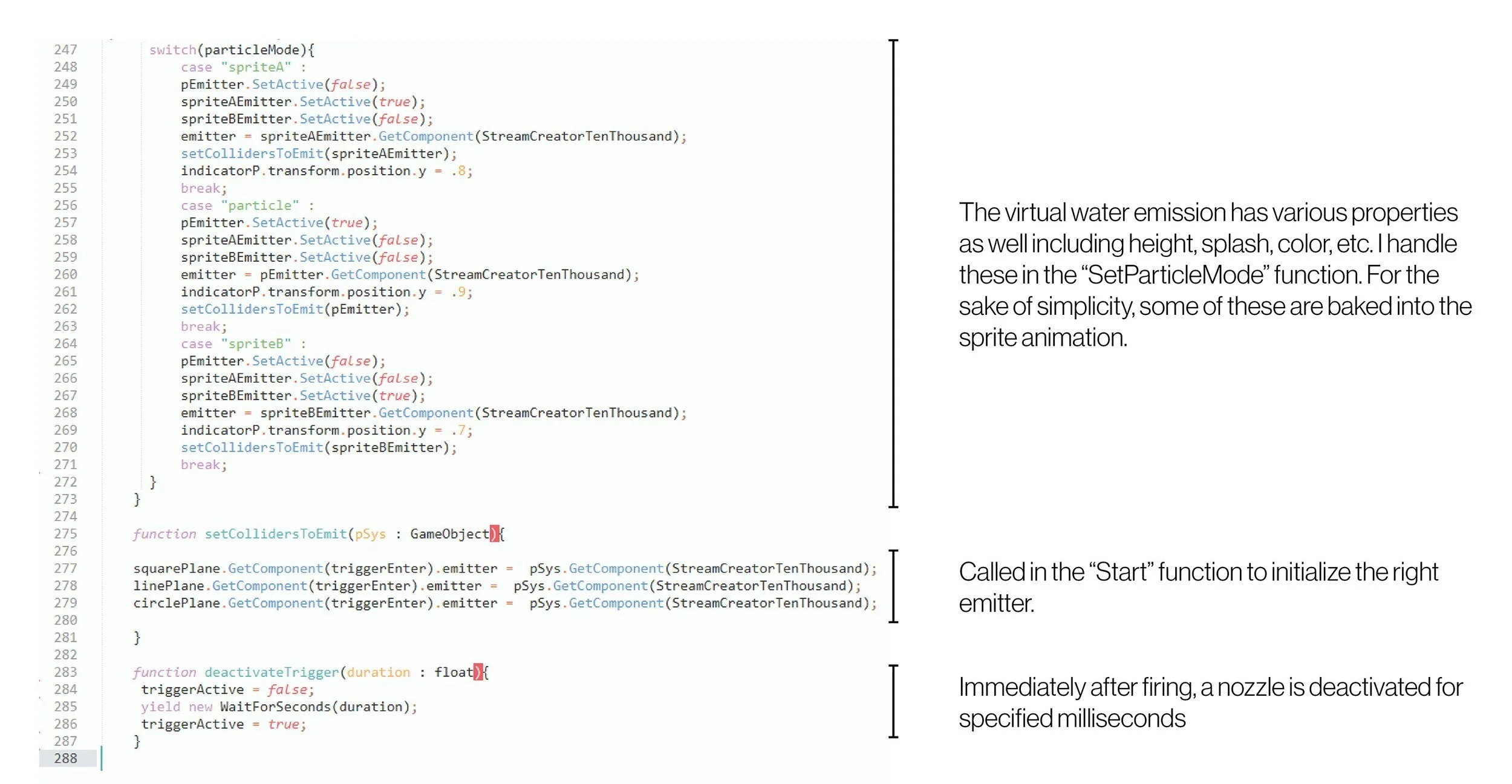
The following script is one of many JavaScript files that compose the Unity Project. I used the Vuforia library by Qualcomm for in-camera texture tracking. I treated each script like an object.
The following section manages touchscreen input. I would cast a ray from the virtual camera at the location of the touch to find the intersection with the surface.
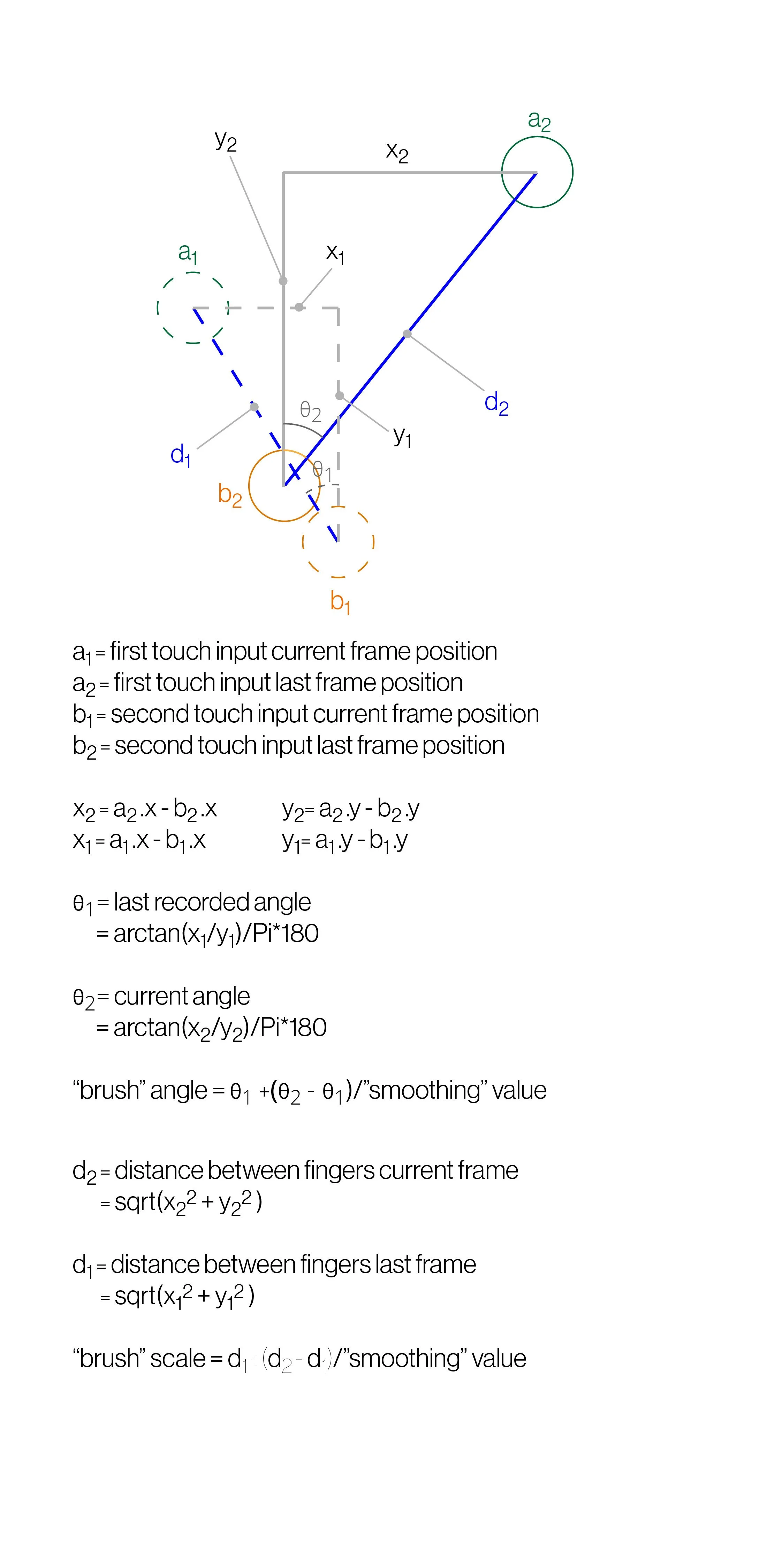
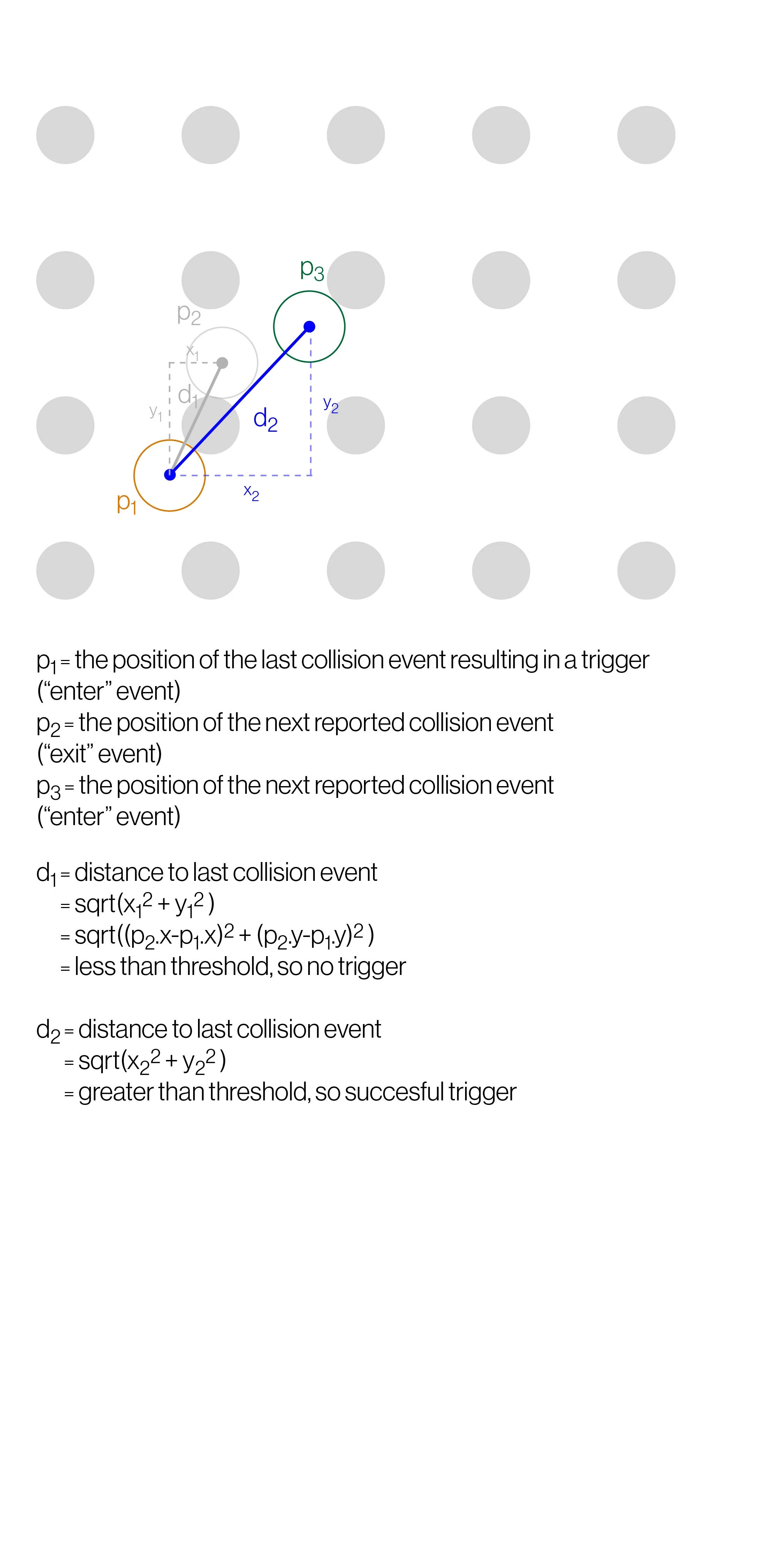
I made a very simple interface with several “brushes” to give the user (in this case a client) a sense of the thinking behind the choreography.

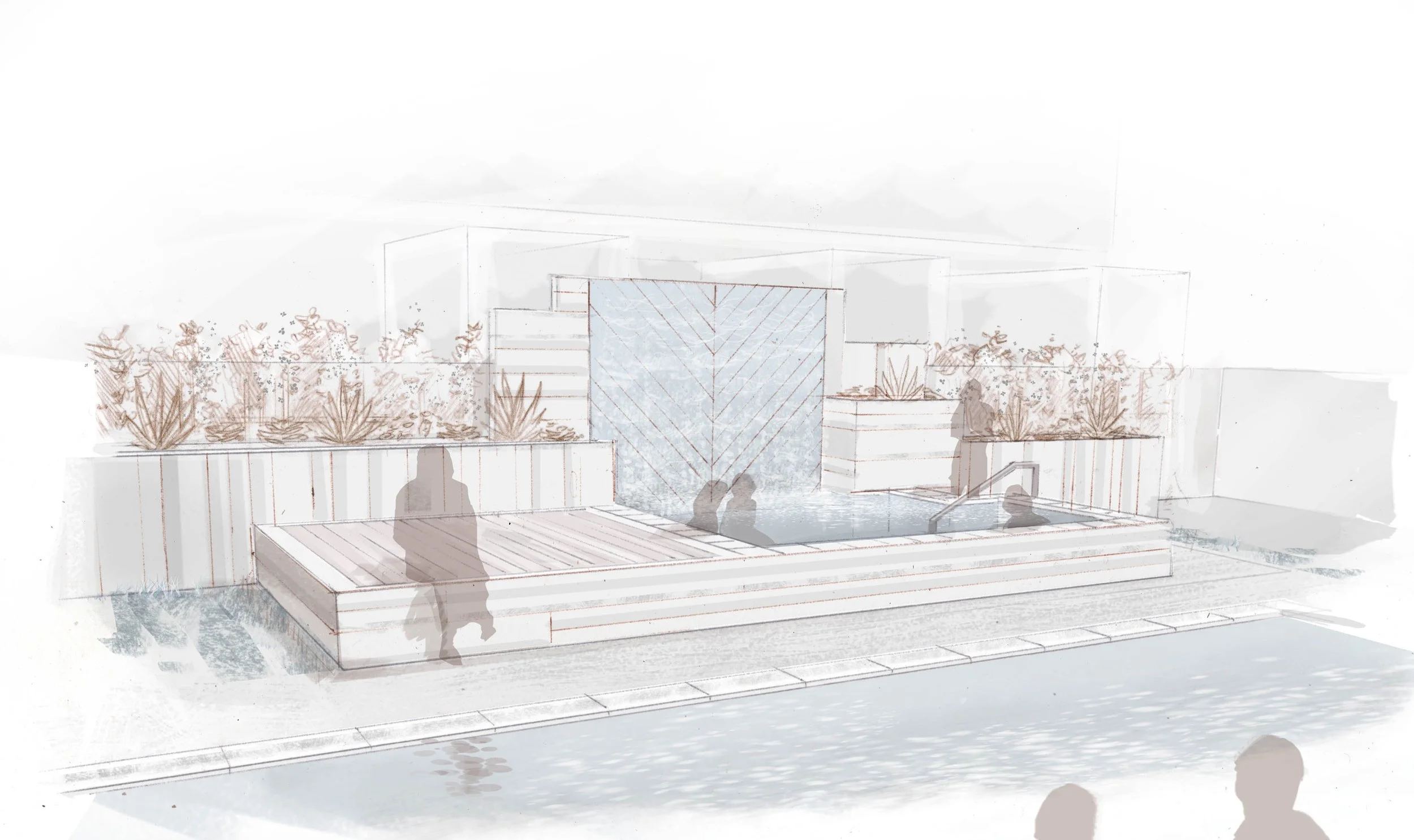
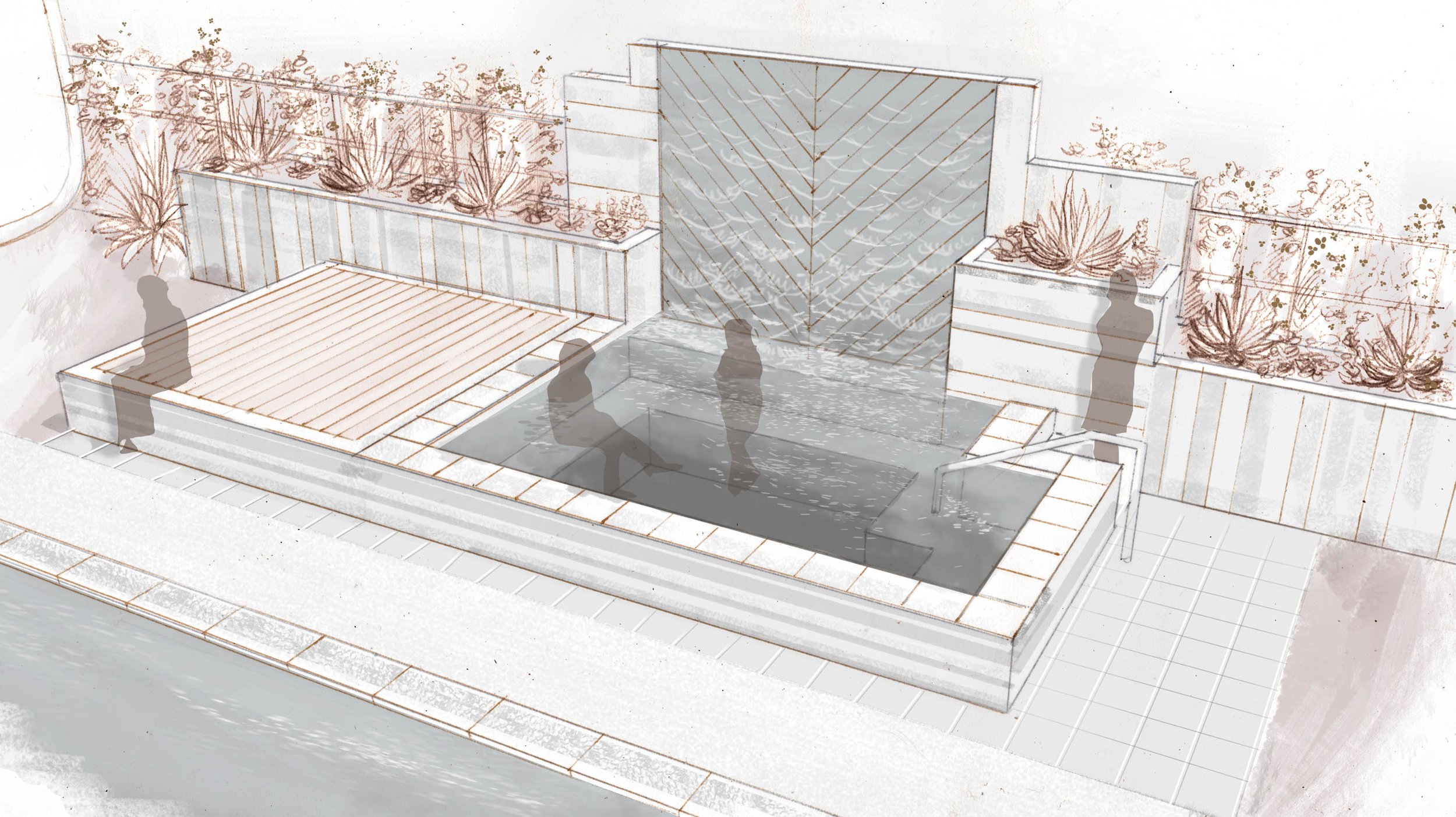
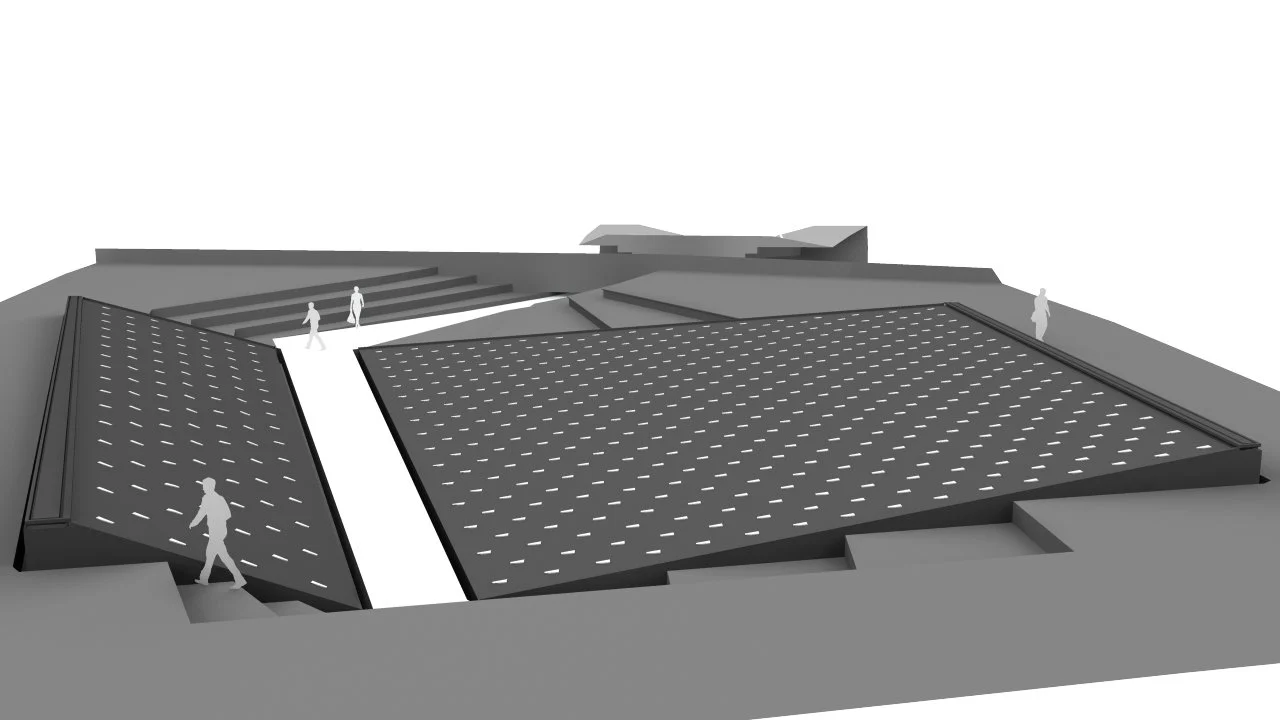
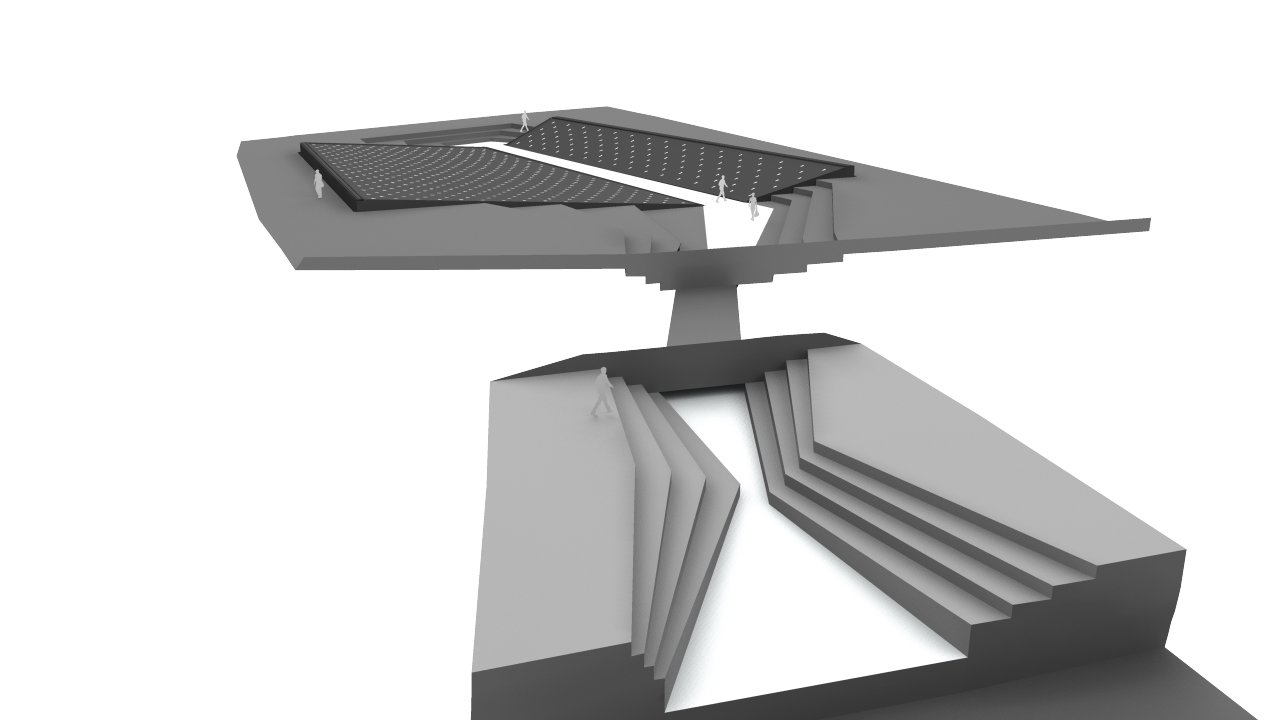
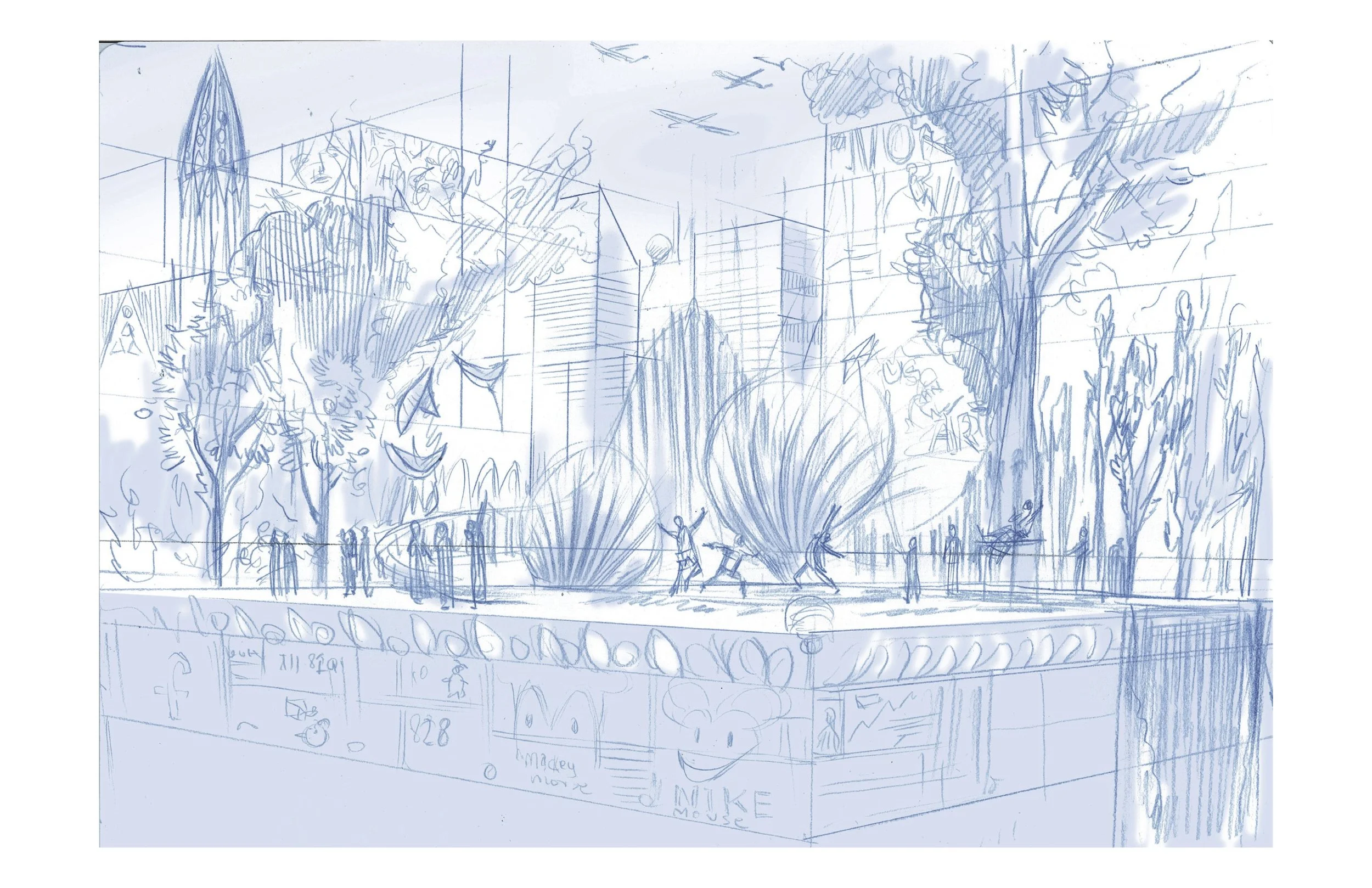
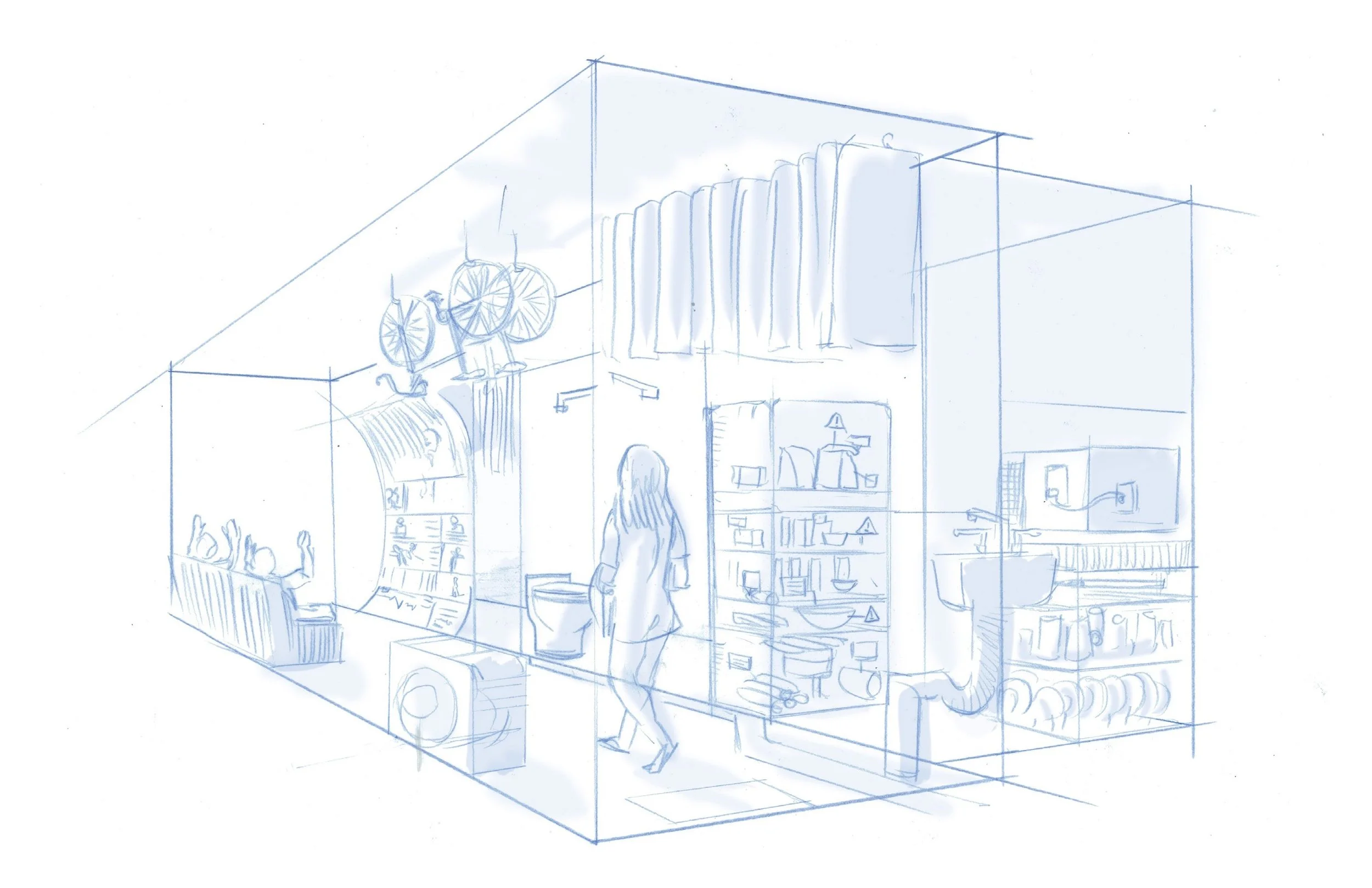
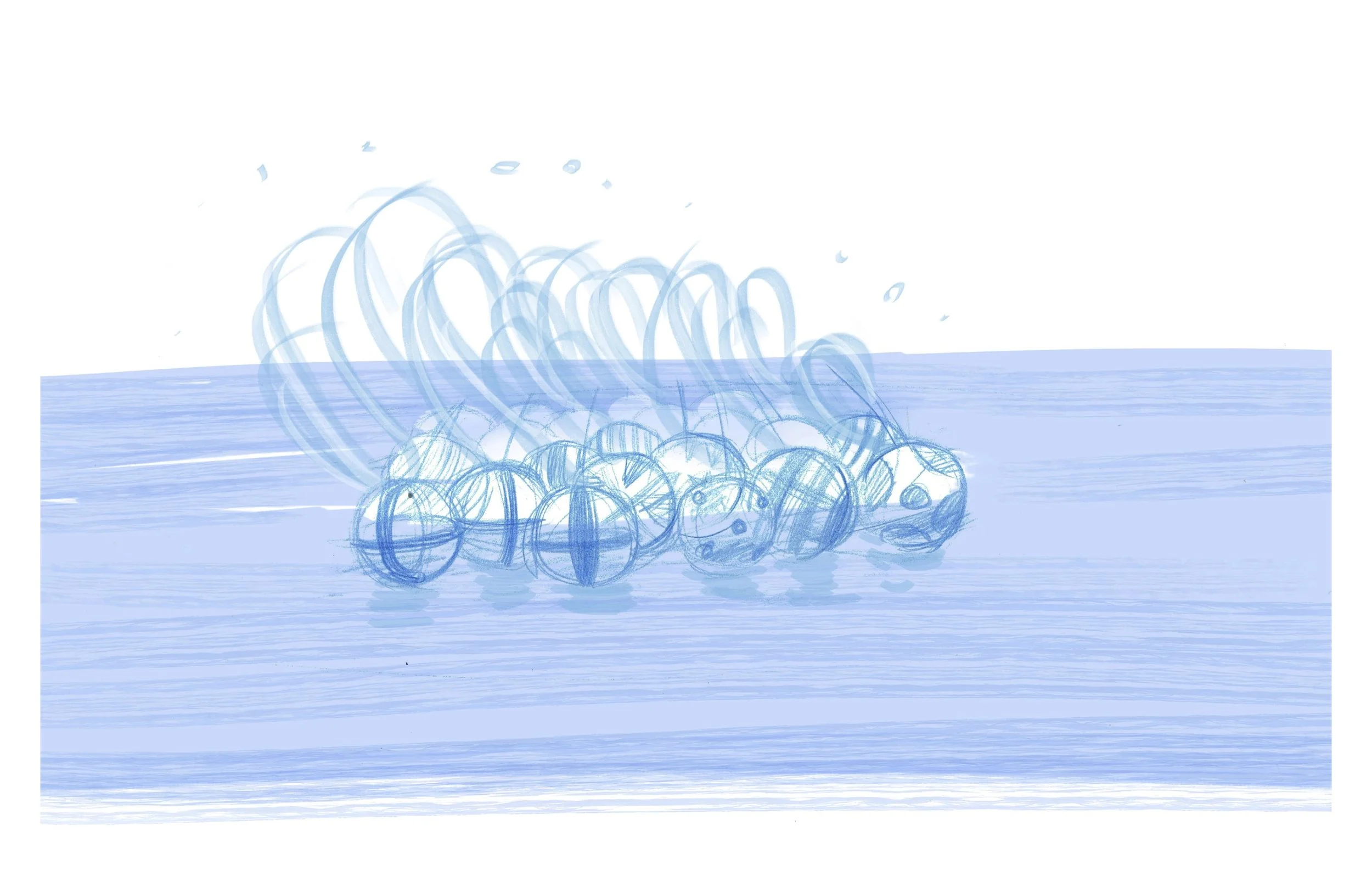
Renderings and sketches for projects at WET